AWS Connect Integrates Salesforce File Storage with Amazon S3
Effortless File Sync Between Salesforce and AWS
Keep your files organized and easy to access with seamless Salesforce AWS integration. AWS Connect lets you upload, view, and manage documents through Salesforce Amazon S3 integration, handling automatic organization, version tracking, and bulk uploads so large files stay accessible without slowing down your organization.


AWS Connect Offloads Large Salesforce Files to Amazon S3 Without Performance Impact
Keeping large files inside Salesforce can get messy fast. With AWS Connect, you can move them straight to AWS S3 while still managing everything from Salesforce. Access runs through time-limited signed URLs, so users open or download a file with permission-scoped, expiring links and your S3 credentials never leave the backend or get exposed in the browser. It keeps your org lighter, quicker, and way easier to handle especially when file sizes grow.

Batch Apex and Async Processing Manage Massive File Uploads Without Freezing Salesforce
Big batches of documents don’t have to be a headache. AWS Connect splits large volumes into asynchronous chunks that each run inside Salesforce's governor limits, so a single job can move tens of thousands of files across many small batch executions; no timeouts, no locked records. Users never feel a slowdown, and even the heaviest uploads process cleanly without freezing screens.
.png)
AWS Connect Manages Every Salesforce File Through One Clean Interface
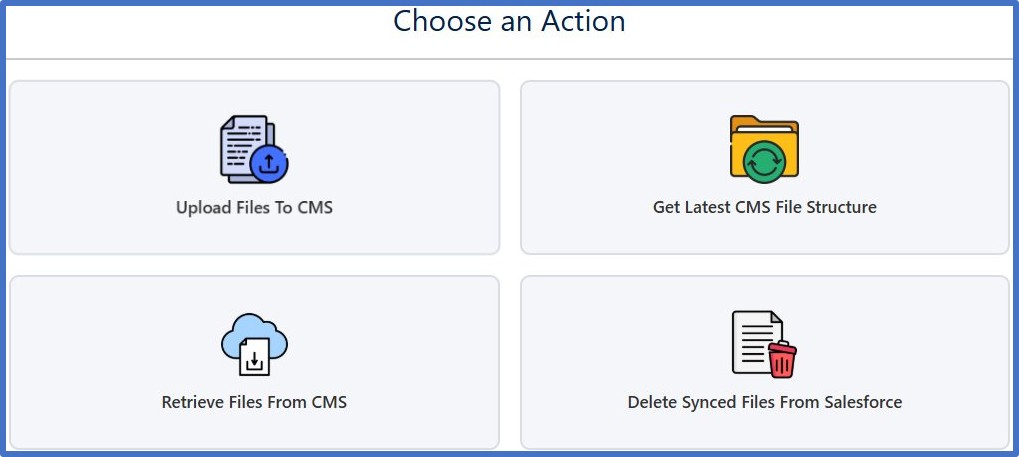
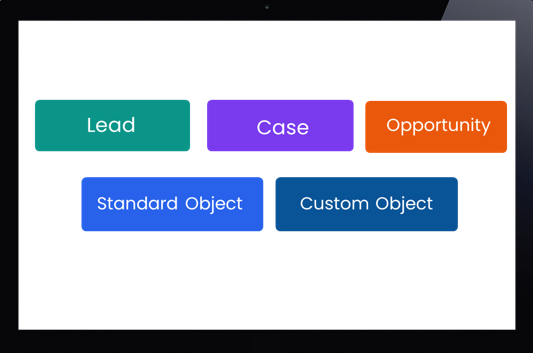
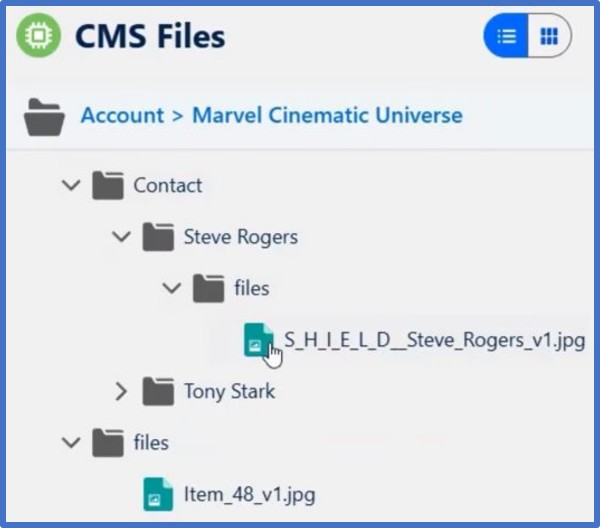
Instead of bouncing between platforms, your team can upload, view, rename, move, and delete files right in Salesforce. The Lightning component drops onto the record pages you already work in including Accounts, Contacts, Opportunities, Cases, and your custom objects, so file management lives right alongside the record it belongs to. The UI keeps everything familiar and simple, no technical steps, no switching screens, just smooth workflow.
Metadata-Driven Folder Structures Keep S3 Files Organized Automatically in Salesforce
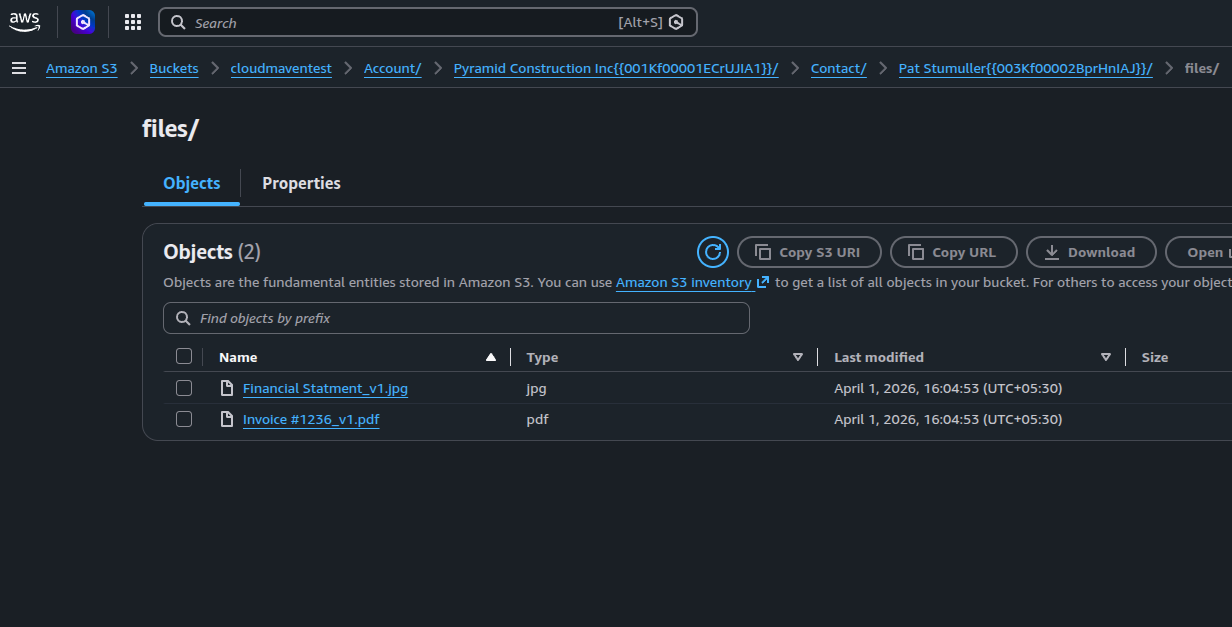
Metadata-driven folder structures mean you don’t have to drag files around or fix naming issues. AWS Connect builds and maintains the right hierarchy in S3 so your files stay tidy without effort.
Complete Audit Logs Track Every Upload, Delete, and Error
Every upload, delete, or error is logged, so nothing gets lost or overlooked. This transparency makes troubleshooting simple and gives you confidence that everything is running exactly how it should. Lost files can be recovered anytime by restoring from S3.
How AWS Connect Speeds File Retrieval, Cuts Storage Costs, and Reduces Admin Overhead

43% Faster File Retrieval
Based on average results across our customer implementations, users access documents noticeably quicker as Salesforce loads files through optimized AWS S3 routes, cutting everyday wait time across teams.

58% Less Admin Cleanup
Compared to prior workflows, storage maintenance, broken links, and manual file fixes drop significantly once heavy documents move to AWS instead of living inside Salesforce.
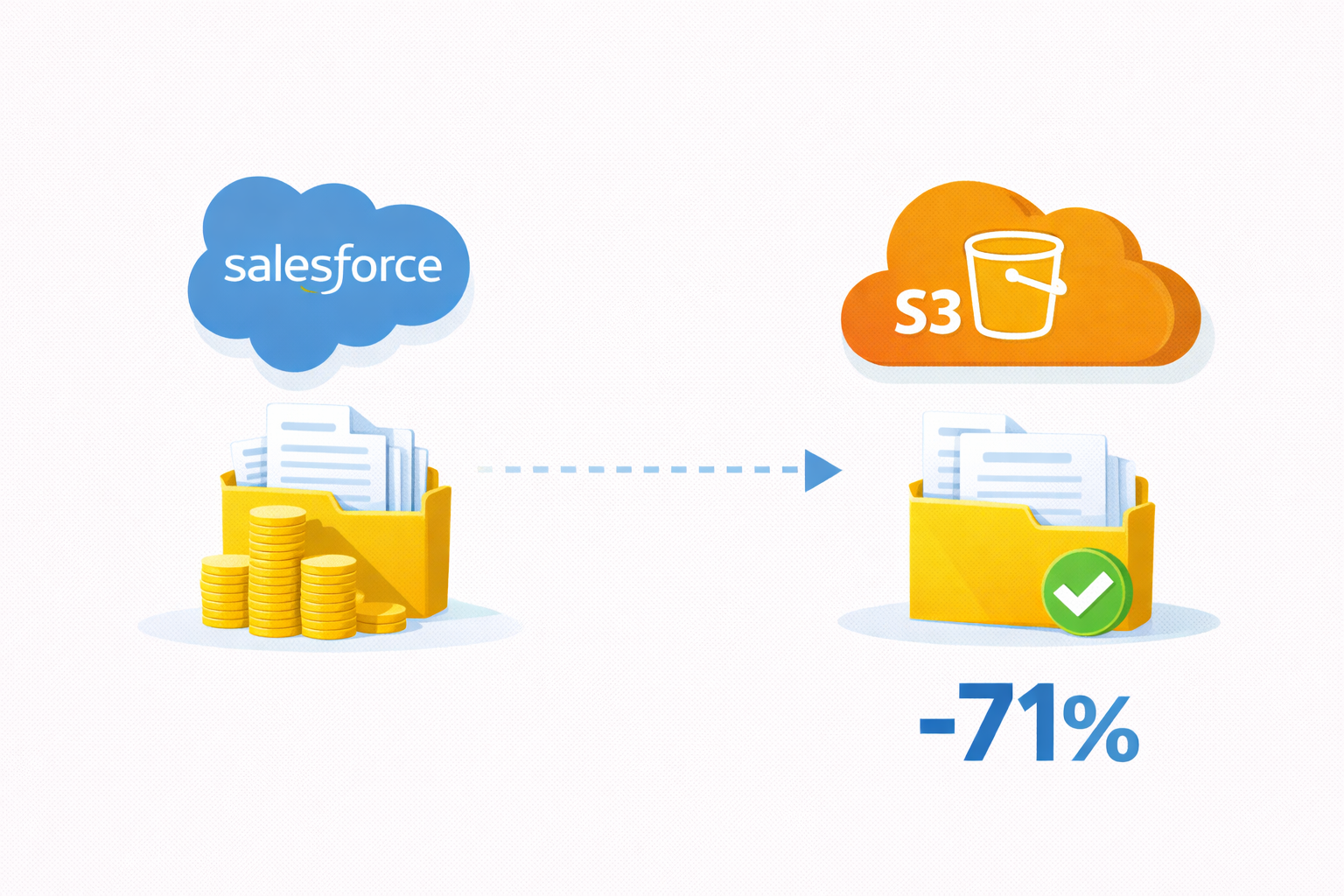
71% Lower Storage Costs
Based on customer data across deployments, shifting large files to S3 dramatically lowers your cost per GB, helping teams manage growth without worrying about Salesforce storage spikes.

36% Higher Workflow Completion Speed
With uploads and deletes running in the background, teams complete their daily processes faster without delays from bulky file operations based on customer-reported outcomes.
Why Salesforce Admins and Teams Choose AWS Connect for Secure S3 File Management


Cuts Salesforce Storage Bills Fast
Offloading heavy files to S3 instantly reduces your Salesforce storage usage, helping teams control costs without changing how they work day to day.

Built for Strict, Regulated Environments
Your data stays consistent and up to date across every connected cloud, reducing errors, version conflicts, and compliance gaps.

Works Across Every Department Smoothly
No matter the team, sales, ops, finance, or support, everyone can access the files they need in one place without jumping between systems or asking IT for help.

Keeps Your Compliance Team Happy
Secure storage, clear logs, and controlled access give compliance and audit teams everything they need without extra paperwork or manual tracking.

Deploys Quickly With Zero Friction
You don’t need a massive project or custom build. Get AWS Connect running fast and start moving files almost immediately.

Built to Stay Reliable Even Under Pressure
High-volume uploads or busy days don’t shake the system. File transfers stay stable, predictable, and consistent no matter how fast your business scales.

Frequently Asked Questions
How does the app handle large file backups from Salesforce?
When you switch to this solution, heavy files don’t stay in Salesforce as they are off-loaded to AWS S3 via our Salesforce AWS integration. You still access and manage the files right from Salesforce, but storage loads and costs stay low. It is the smart way to handle salesforce backup without changing user habits.
Do I need to switch workflows or retrain users for the Salesforce-AWS connection?
Not at all. With our Salesforce Amazon S3 integration, the experience stays familiar and users upload, view, delete files in Salesforce UI. The heavy lifting happens behind the scenes using the Salesforce AWS link, so your team can jump in with almost zero downtime and fewer training needs.
Is my data secure when moving files to AWS through this integration?
Yes, we use secure signed URLs, encryption at rest in AWS S3, and role-based permissions inside Salesforce. With our Salesforce AWS integration, you are not just offloading storage but you are doing it in a way that keeps your data safe, trackable, and compliant.
What happens when my company grows or I have huge data volume?
Scaling isn’t a problem. Our Salesforce Amazon S3 integration supports batch uploads, asynchronous processing, and folder-hierarchy management so you are ready for high volumes. Whether it is millions of records or terabytes of files, the system remains stable, fast, and low-maintenance.
Learn. Build. Grow.
August 24, 2026
August 17, 2026
August 10, 2026