Identity Verification Confirms Customer Identities Across 190 Countries Inside Salesforce
Identity Verification from Cloud Maven, Inc. confirms customer identities inside Salesforce using data from Plaid and Thomson Reuters CLEAR. The app handles digital ID checks, document verification, face matching, and phone verification across 190 countries so onboarding teams complete KYC requirements without leaving the CRM.
Plaid Lightning Verification Checks Digital Identities Across 190 Countries
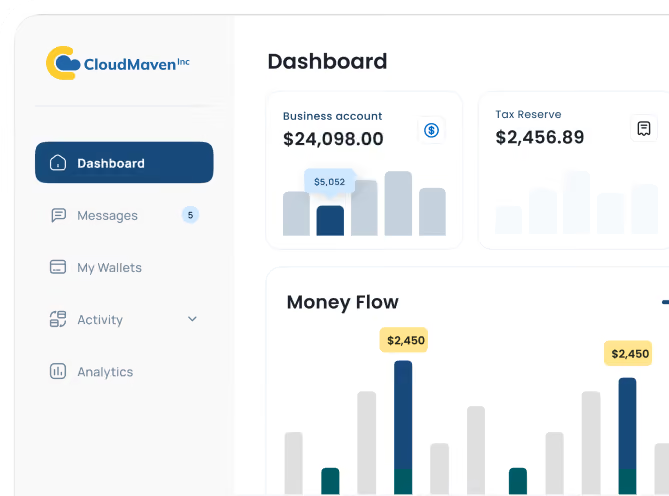
Plaid’s Lightning Verification helps you handle digital identity verification without the usual back-and-forth. It quickly checks the basics like name, address, date of birth, phone number, email, and government ID number against reliable global records and identity data sources. Instead of your team digging through documents or catching mistakes after the fact, the system takes care of it and pushes clear results straight into Salesforce. Validate customer information against trusted identity databases, telecom records, and public data sources to reduce onboarding fraud and manual verification effort.

-p-1080%201.avif)
Authenticate ID Documents and Detect Fraud Before Approvals Reach Salesforce
When a customer uploads their ID, whether a passport or a driver’s license, Plaid takes over the heavy lifting. The system checks the authenticity of the document, whether it’s expired, and if the details line up with what the person entered. Support includes passports, driver’s licenses, national IDs, and residence permits, with built-in checks for tampering, expiration, image manipulation, and data mismatches. Instead of digging through files, you get cleaner, quicker approvals right inside Salesforce, with much stronger document fraud detection built-in.
Face Match and Liveness Detection Confirm the Person Behind Every Identity Check
Most people are used to snapping a quick selfie, so Plaid’s face verification feels simple on the customer’s side. They take a short video, and behind the scenes the system makes sure it’s an actual person, not a screenshot or anything staged. When you combine it with document verification, it also checks whether their selfie matches the photo on their ID.
SMS Phone Verification Confirms Customer Numbers in Seconds Inside Salesforce
Confirm your customer’s phone number in seconds. With Plaid’s SMS step, they get a quick one-time code on their phone, enter it, and they’re good to go. It’s an easy way to confirm the number really belongs to them, and it fits neatly into the rest of your ID verification flow in Salesforce.
Plaid Monitor Screens for AML Risk and Behavioral Fraud Signals Inside Salesforce
Stay ahead of bad actors with built-in risk insights and AML screening through Plaid Monitor. As customers move through your identity verification process, Plaid quietly evaluates signals like email age, device fingerprint, IP risk score, phone activity, and network behavior, flagging anything unusual before it becomes a problem. If you enable AML, you can also screen users against OFAC sanctions, PEP databases, adverse media sources, and global watchlists without ever leaving Salesforce.
How Identity Verification Speeds Onboarding, Cuts Drop-Offs, and Reduces Manual Review

78% Faster Onboarding
Streamline your user journey so new customers move from start to finish nearly four-fifths faster than legacy verification workflows.
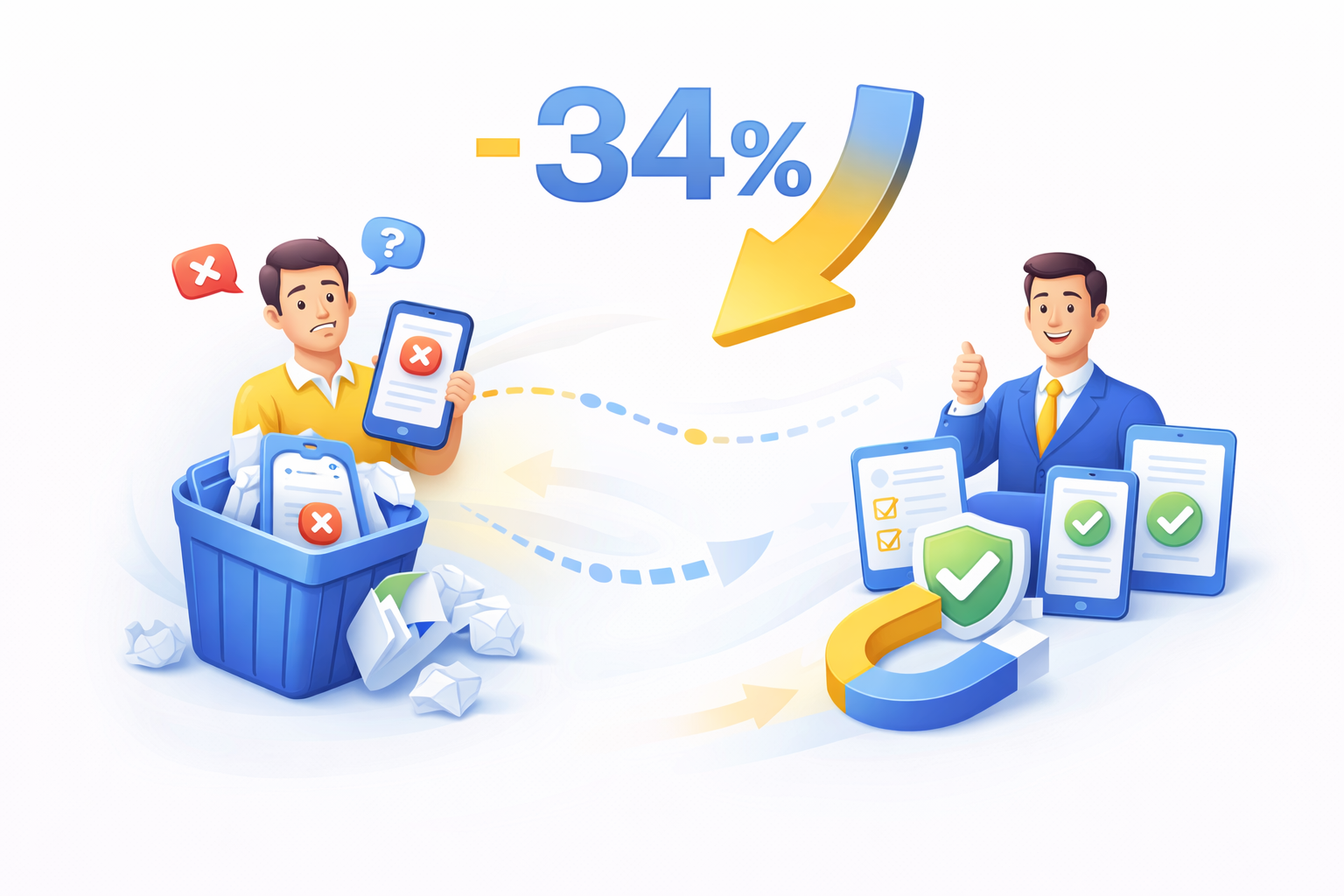
34% Fewer Drop-Offs
With a smoother verification process, expect abandonment rates to fall by about one-third, keeping more prospects engaged and converting.
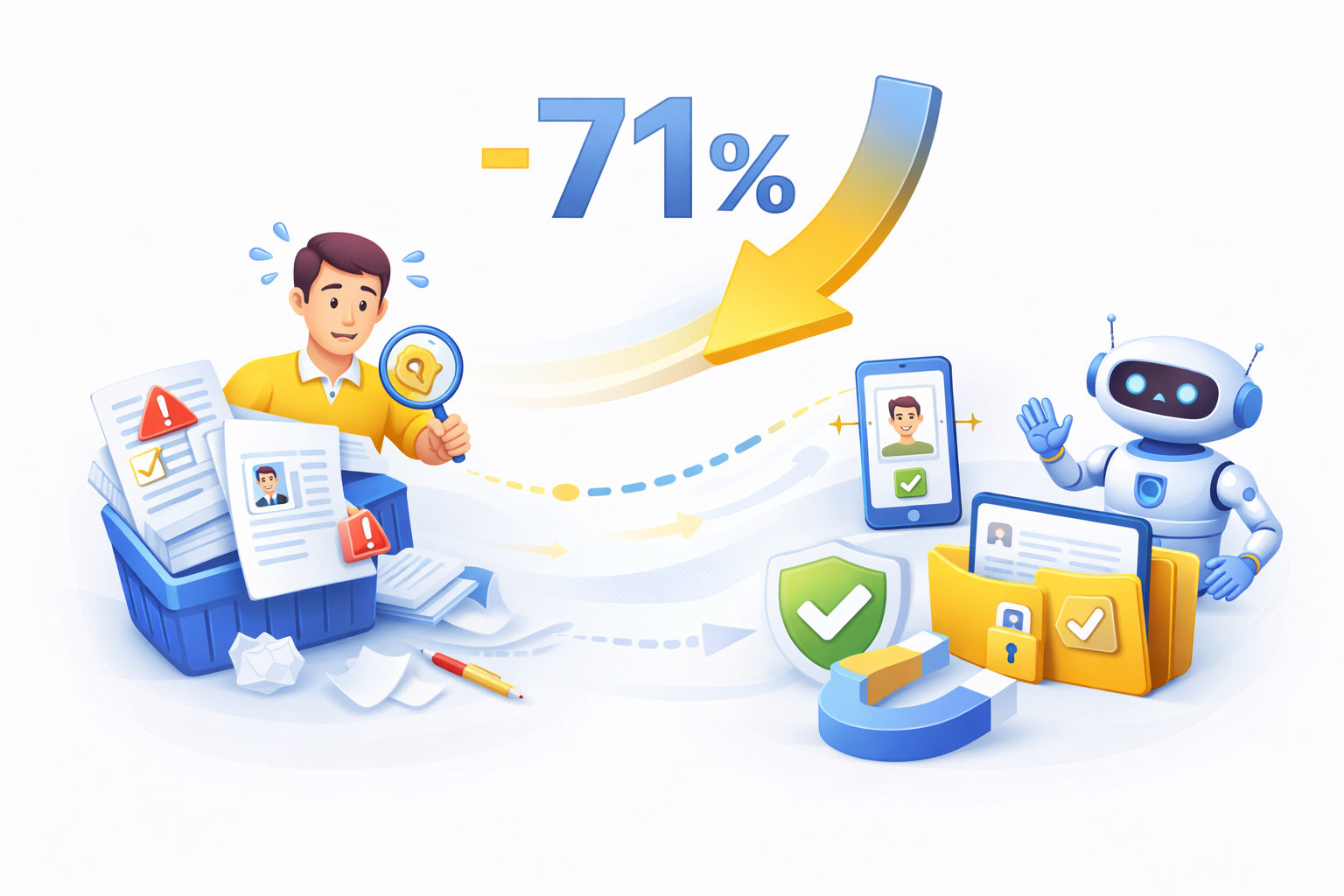
71% Reduction in Manual Reviews
Automated checks like document, face and risk verification cut the need for human manual review by roughly seven out of ten cases.
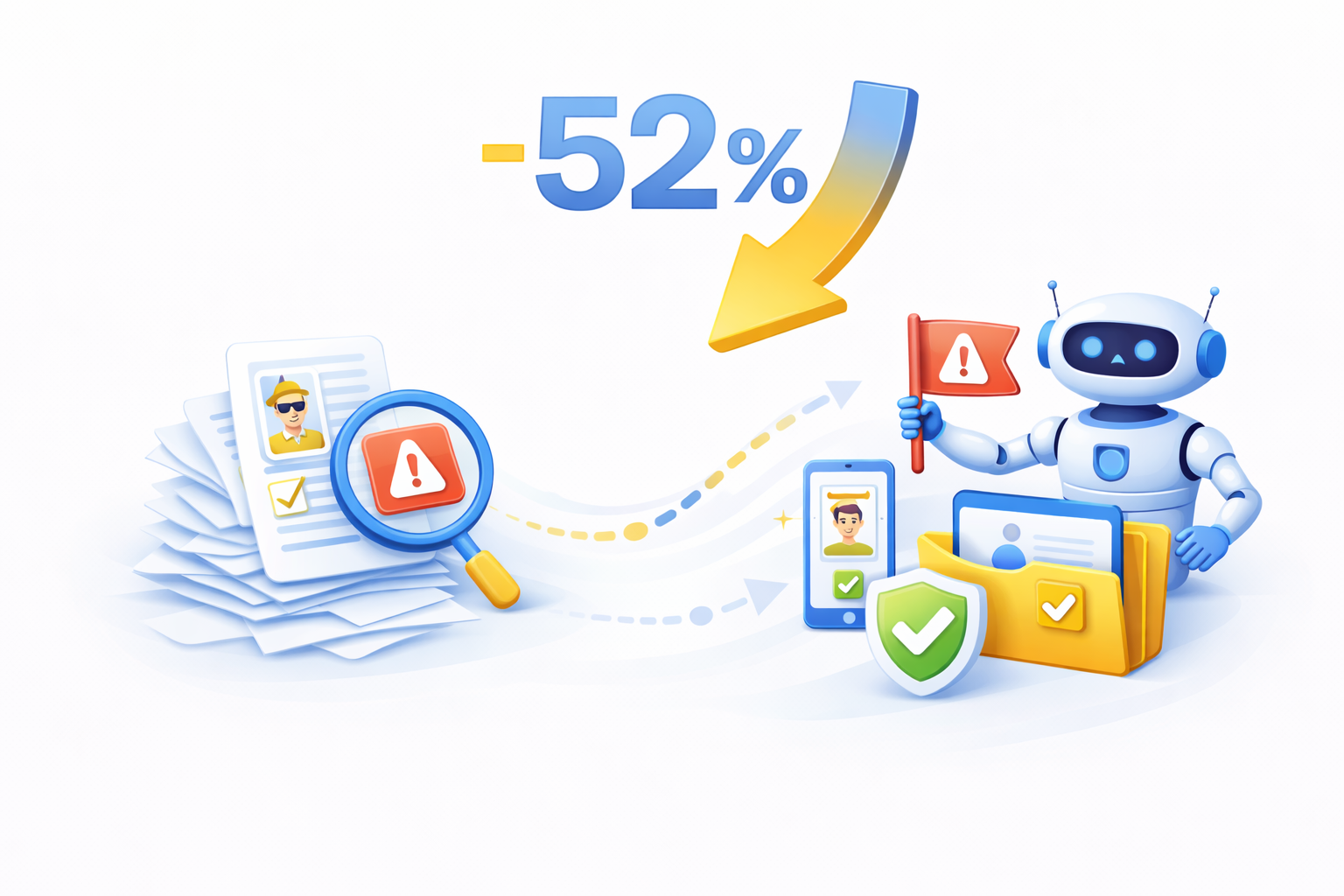
52% Faster Fraud Flagging
Automated checks surface risky behavior in less than half the time of manual review, giving your team quicker insight and faster decision-making.
Why Teams Trust Cloud Maven, Inc for Identity Verification Across 190 Countries


Clear, Actionable Results in One Place
Everything shows up in Salesforce, right where your team already lives. Instead of flipping between tabs and tools, you can see what passed and what failed.

Easy Setup Without Heavy Development
You don’t need a large engineering project to get started. We handle the setup, connect Plaid, and ensure everything works right inside Salesforce.

Automated Follow-Ups and Customer Reminders
If someone forgets to finish their verification, Salesforce can nudge them automatically. Customers get a quick reminder, and you don’t have to spend time chasing people down.

Built for Global Teams and Modern Compliance
If you work with people around the world, this takes the stress out of it. You can verify customers in 190 countries, and the system keeps everything aligned with KYC and compliance standards automatically.

No Contracts or Long-Term Commitments
You can start using customer identity verification without months of paperwork. No long-term agreements, no complicated terms; just an easy, flexible way to get up and running.

Works With Any Salesforce Workflow
No need to rebuild your CRM to make this work. Identity checks slide right into whatever you already use, Leads, Accounts, custom objects, without interrupting the way your team operates.

Frequently Asked Questions
What is digital identity verification and how does it actually work?
Digital identity verification is basically a way to make sure someone really is who they say they are without relying on slow, manual checks. Our automated identity verification flow reviews ID documents, address details, device signals, and selfie matches in one smooth pass. It blends id verification, face verification, and built-in fraud signals to cut down on unnecessary reviews. Since everything runs inside your Salesforce identity verification setup, your team gets a faster, cleaner, and far more reliable identity verification process.
What documents can be used for document verification and proof of address verification?
Customers can upload passports, driver’s licenses, or national IDs for document verification, and things like utility bills or bank statements for proof of address verification. Plaid takes care of document fraud detection, checks expiration dates, and double-checks key details such as name and date of birth. With global document validation services, you can review paperwork from 190+ countries without any extra tools. This keeps your customer identity verification flow smooth while still catching inconsistencies early in the process.
How does identity verification integrate with Salesforce for a complete Salesforce workflow?
The whole system plugs directly into your CRM, so you get a fully native verification Salesforce experience. You can trigger id verification from any standard Salesforce objects like Lead, Contact, Account, or even a customer Salesforce object, without hopping between platforms. All results land on one dashboard: pass/fail statuses, risk insights, and document verification outcomes. This tight Salesforce identity verification setup cuts manual work and keeps everything tracked as part of your overall identity verification process.
What happens if someone fails face verification or document fraud detection checks?
If a user fails face verification, document fraud detection, or any step in the document verification flow, the system flags it right away.
From there, you can:
- request a re-upload or a second selfie attempt
- send the case for manual review
- add extra steps to the identity verification process for higher-risk situations
These tools help you handle exceptions without slowing down everyone else. It keeps customer identity verification strong, accurate, and still practical for real-world onboarding.
Can this identity verification system support global users?
Yes, you can run digital identity verification in nearly 190 countries, with support for different document types, formats, and address structures. Our document validation services and proof of address verification checks make global onboarding feel consistent, even across different regions. Customers go through the same flow, and your team sees results straight in Salesforce.
Learn. Build. Grow.

October 12, 2026

September 14, 2026
August 24, 2026