Salesforce QuickBooks Integration with QuickBooks Connect
Simplify Accounting with Salesforce QuickBooks Online Integration
Connect Salesforce and QuickBooks Online to automate invoices, payments, journal ledgers, and financial data, giving you a true customer 360 across sales and orders. QuickBooks Connect offers two-way data sync, configurable field mapping, and Salesforce-native automation that help reduce manual entry, improve financial visibility, and streamline your accounting workflows.
Keep Salesforce and QuickBooks Data in Sync with Two-Way Automation
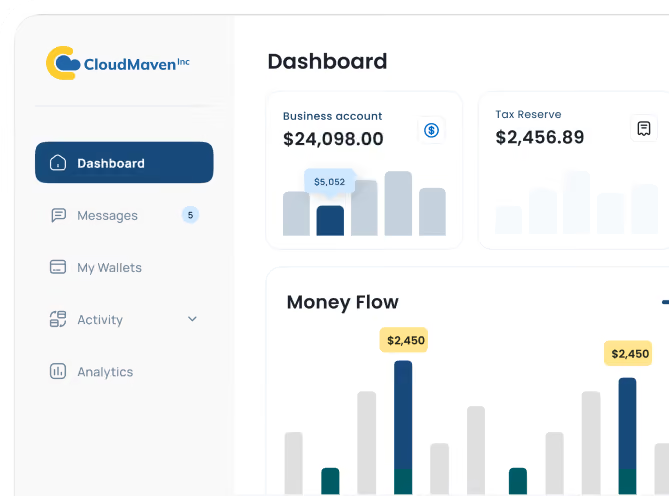
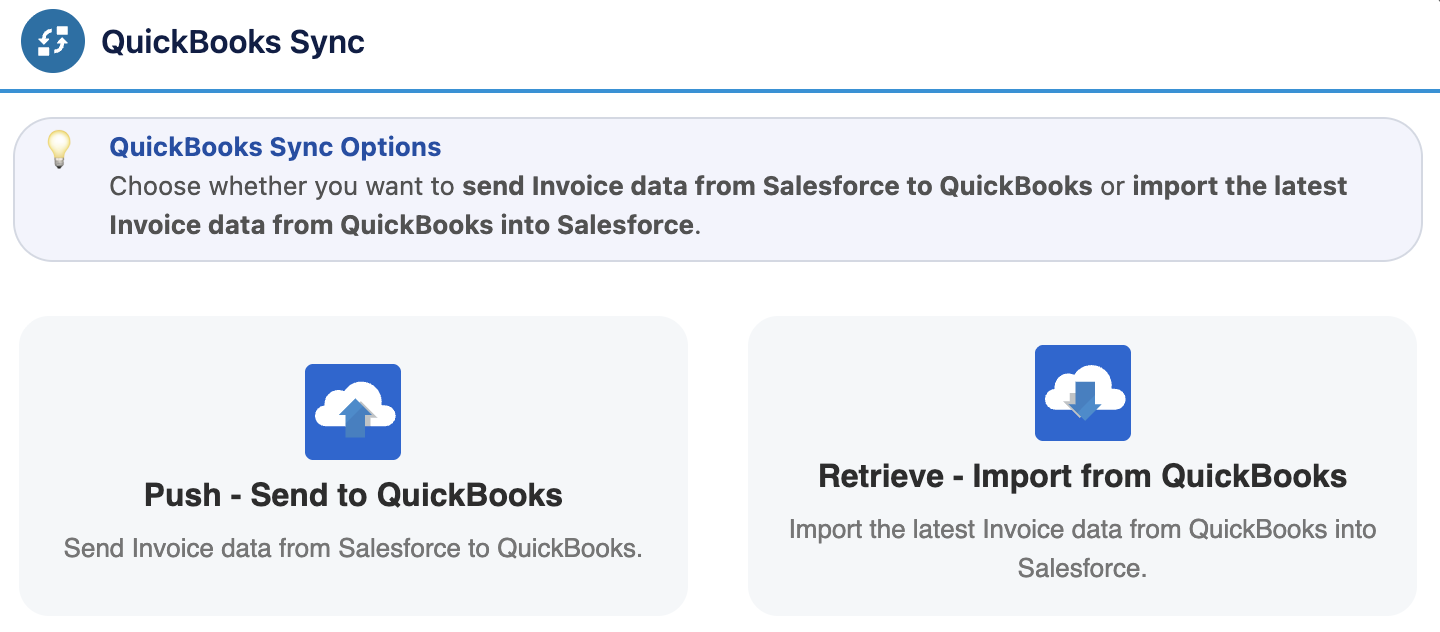
Connect your CRM with accounting system through QuickBooks Connect. Using configurable automation, you can synchronize customers, products, invoices, payments, and journal entries between Salesforce and QuickBooks Online. With multiple sync options available, teams can easily access financial information within Salesforce while eliminating the time consuming task of duplicating entries in multiple applications.

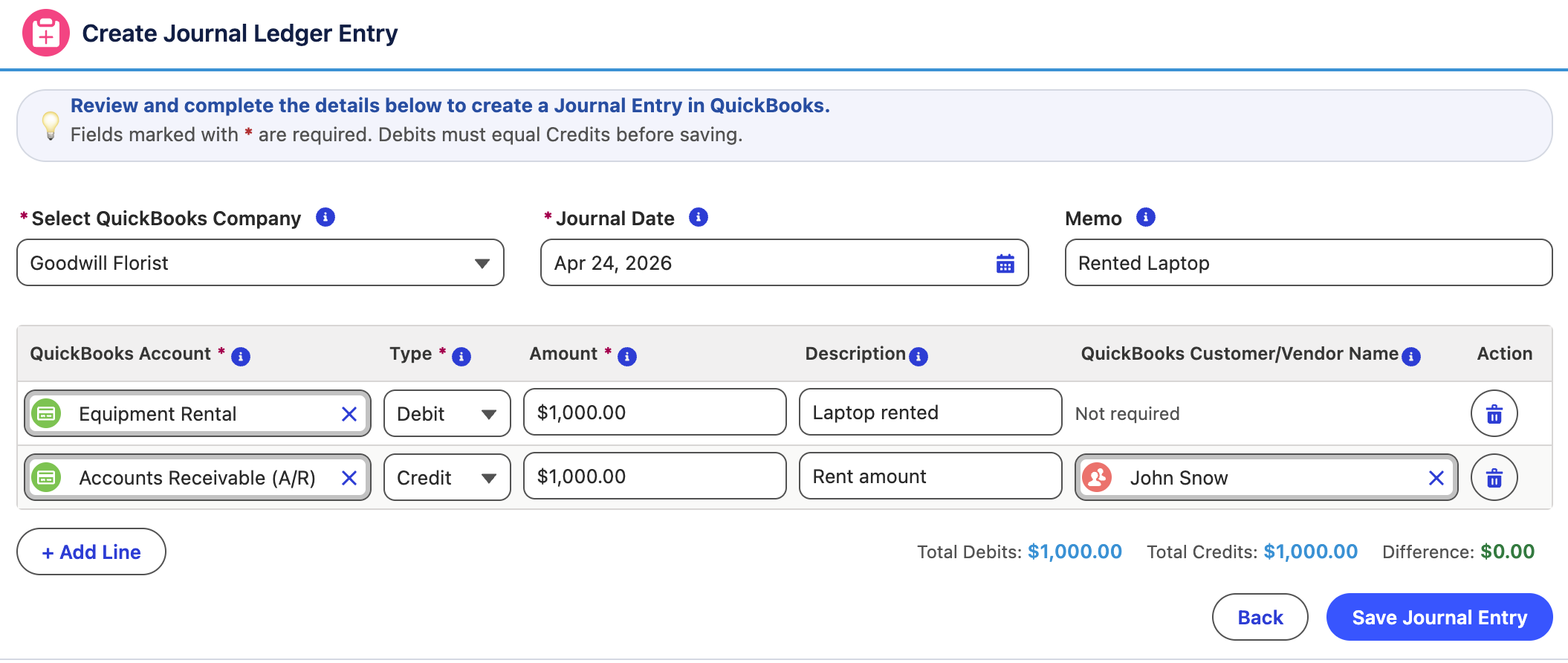
Create and Sync Journal Ledgers Directly Inside Salesforce
Manage journal entries without constantly switching between Salesforce and QuickBooks Online. QuickBooks Connect allows finance teams to create, adjust, and sync journal ledgers directly from CRM while maintaining accuracy and audit readiness. You can manage adjustment entries, streamline end-of-month close processes, and prepare for audits with greater confidence using synchronized, real-time financial data.
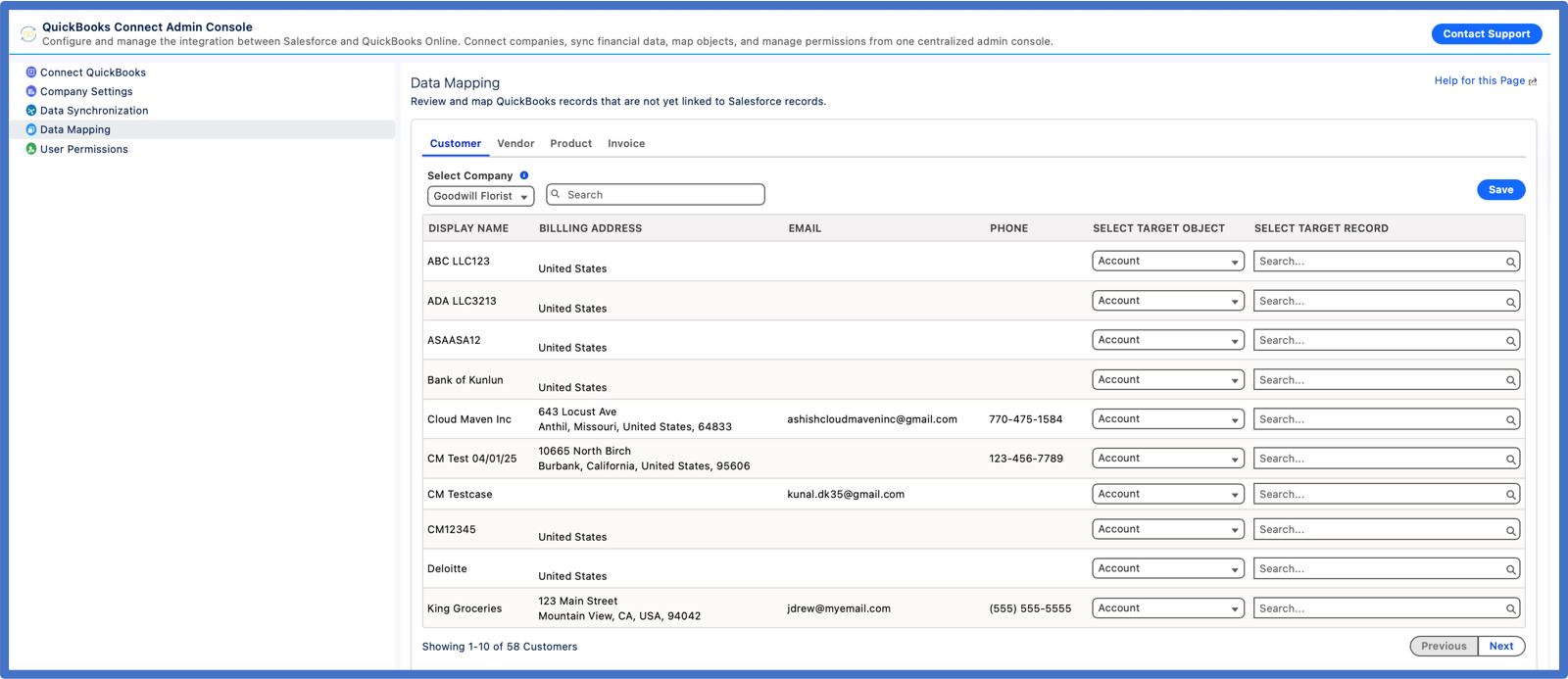
Configurable Sync Rules and Field Mapping Adapt to Your Accounting Workflows
Map standard or custom objects to QuickBooks, whether that means syncing a Salesforce Opportunity to a QuickBooks estimate, connecting a custom billing object to a QuickBooks invoice, or aligning customer and payment data across systems. Plug into Flows and Apex to automate workflows, and extend Salesforce data synchronization across systems. You stay in control of how data moves between Salesforce and QuickBooks, without needing a developer on speed dial every time your process evolves.
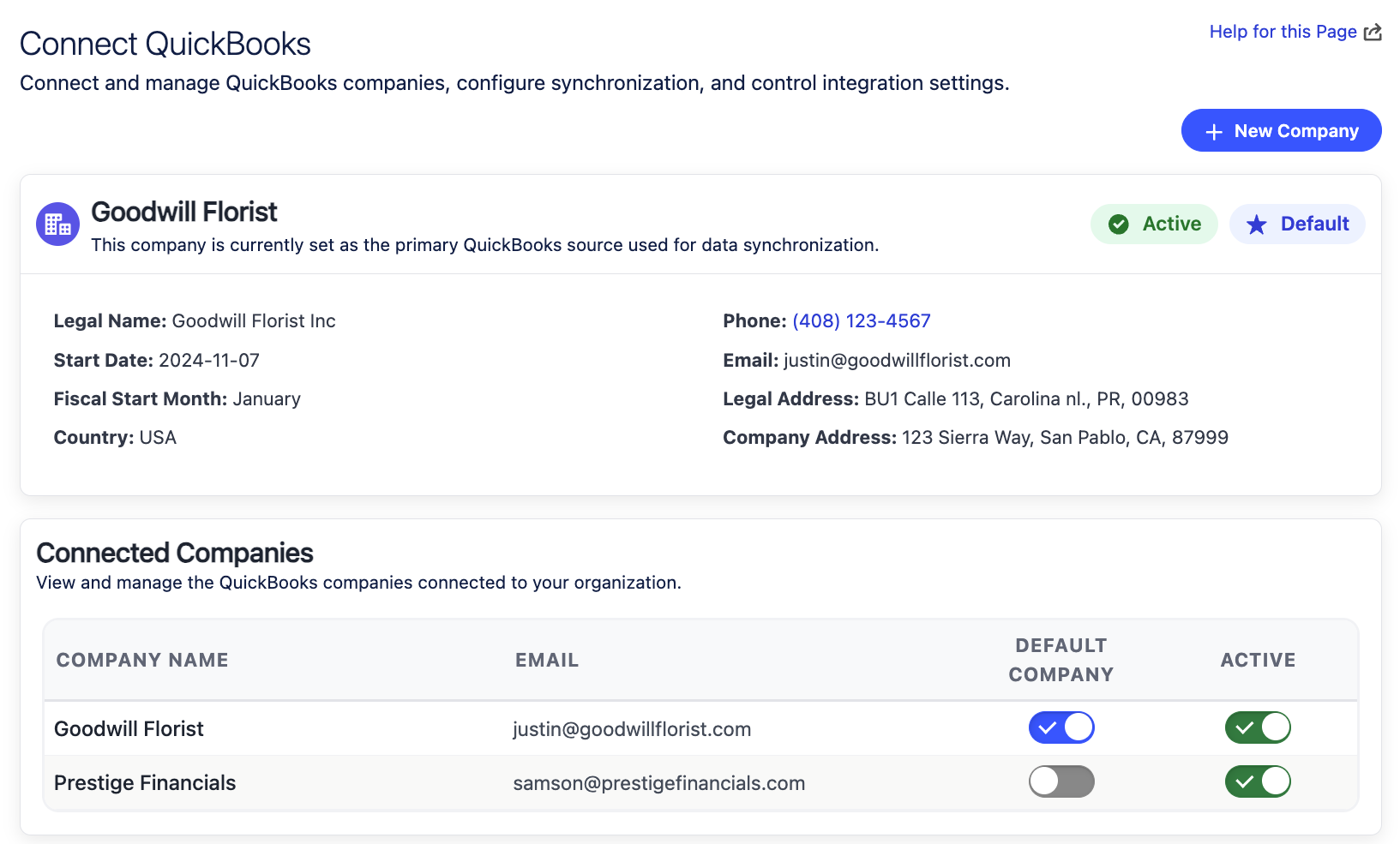
Connect Multiple QuickBooks Companies to One Salesforce Org
If you manage more than one entity, our Salesforce Quickbooks connector scales with you. QuickBooks Connect links multiple QuickBooks Online companies to a single org and pull large volumes of historical data into Salesforce whenever you need it. Finance team and leadership finally get one place to compare performance across brands, regions, or subsidiaries with confidence.
Collect Payments Faster in Salesforce With 30+ Payment Gateways
Improve csash flow with simple payment options. Combine QuickBooks payments with our 30+ supported gateways so your customers can settle invoices however they prefer, while you quietly save on fees every month. Generate invoices directly in Salesforce, seamlessly sync them with QuickBooks Online, and track invoice statuses in real time.
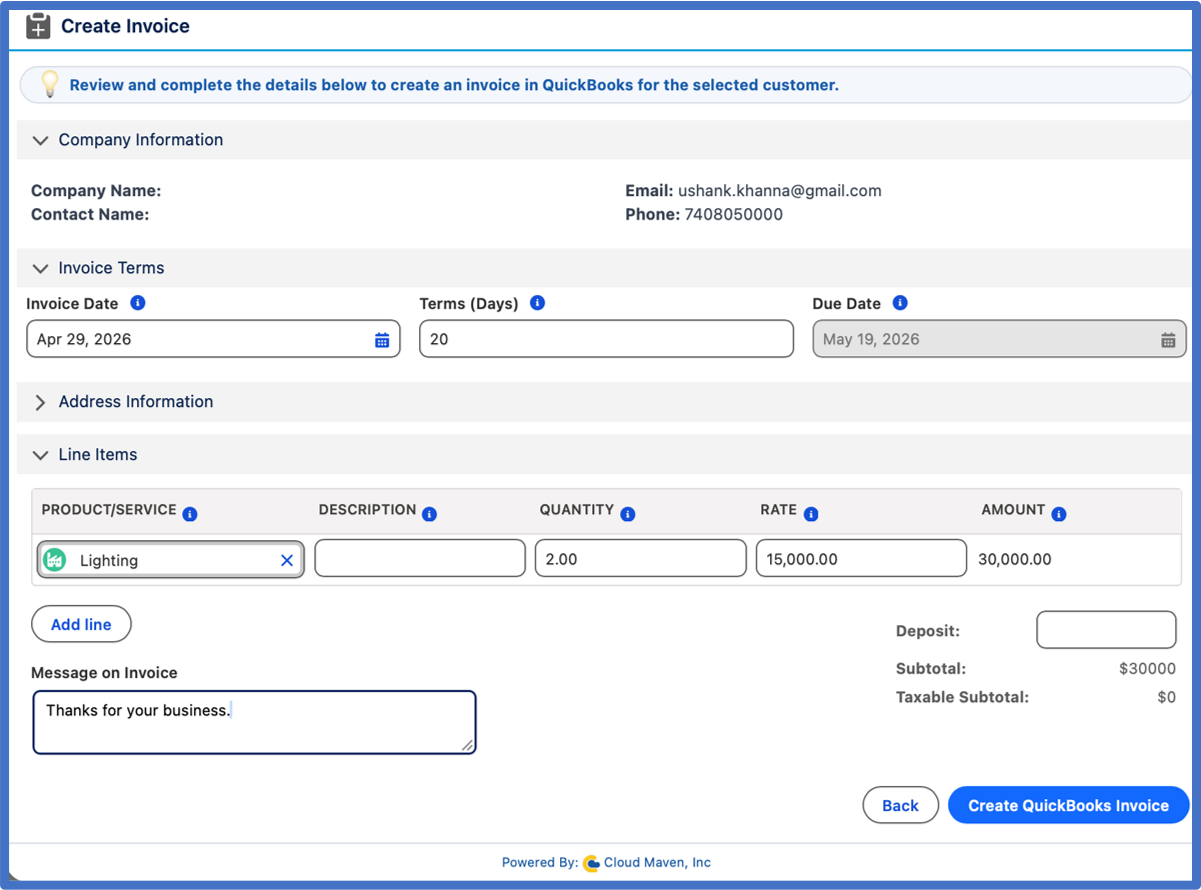
How QuickBooks Connect Speeds Up Billing, Reduces Manual Entry, and Improves Forecast Accuracy
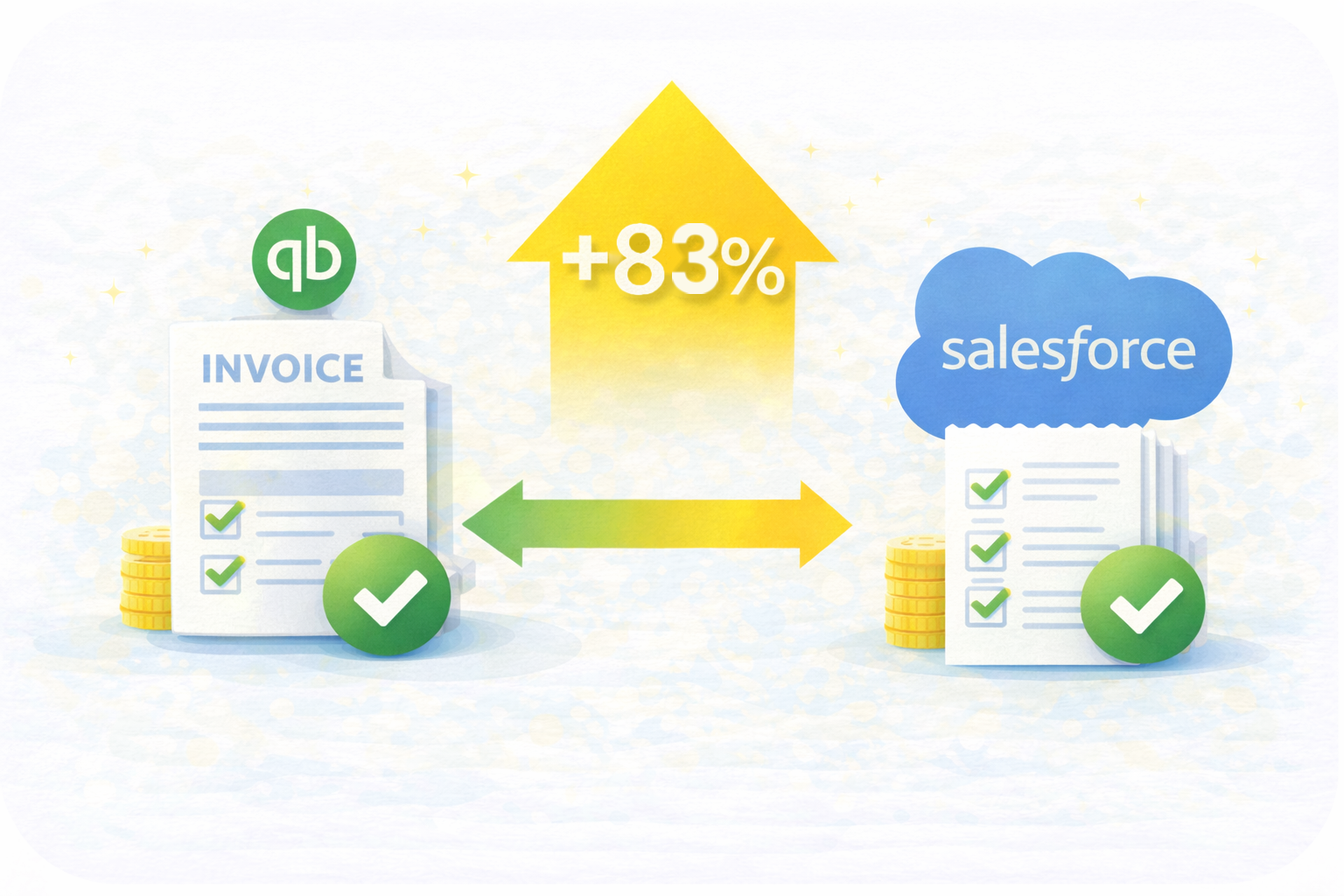
83% faster billing cycle
Customers report invoice-to-payment time shortened by 83% through real-time sync of invoices and payments between QuickBooks Online and Salesforce.

47% fewer manual entry hours
Based on customer data, teams reduce manual data entry hours by nearly half after automating customer, invoice and payment sync across systems.
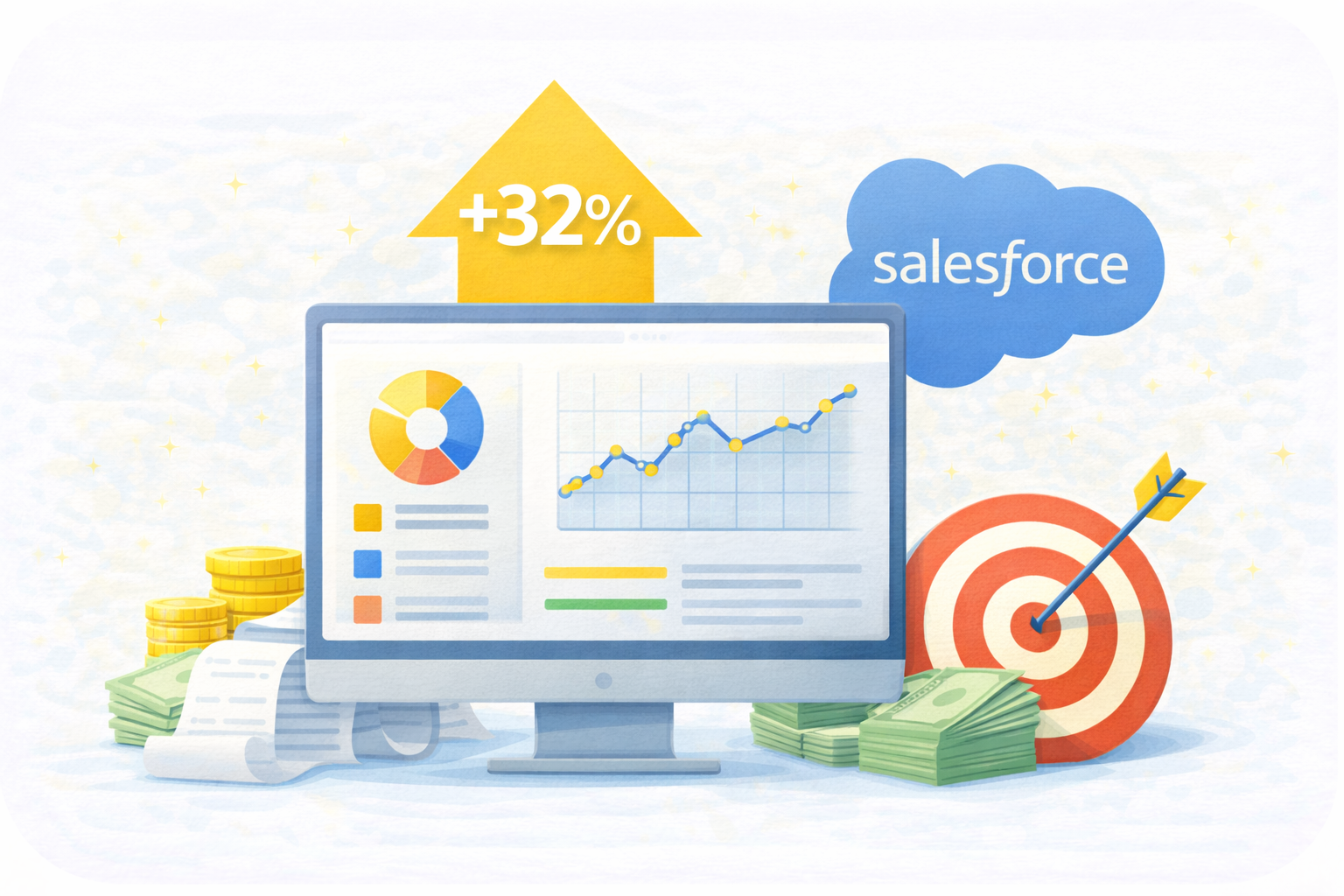
32% uplift in forecasting accuracy
With live financial data in CRM dashboards, businesses boost forecast accuracy by 32%, based on customer reported data, enabling smarter decision-making.

52% reduction in overdue invoices
Automated payment reminders and synced statuses cut the number of overdue receivables by more than half, based on average results across our customer implementations.
Why Growing Businesses Choose QuickBooks Connect


Built for Advanced Security & Compliance
Protect financial data with Salesforce-native architecture, encrypted sync, and governance controls. Unlike other QuickBooks integration tools, this ensures compliant, audit-ready financial operations at scale.

Reliable Multi-Entity Accounting Without Extra Fees
Connect multiple QuickBooks companies to Salesforce with no per-entity charges. Competitors require extra subscriptions, but our connector scales freely with your business.

Smarter Forecasting With Unified Sales–Finance Intelligence
Combine CRM and QuickBooks Online payment data to strengthen forecasting accuracy. Leadership gains clearer visibility into pipeline, revenue, and collections without running separate reports or reconciling spreadsheets.

Complete Vendor & Product Sync for Cleaner Financial Data
Maintain accurate vendor lists and product/service catalogs across both systems. This ensures consistency in QuickBooks Online payment, purchasing, quoting, and inventory-related workflows.

Faster Setup, Zero Heavy Consulting
Launch your QuickBooks Online invoicing and Salesforce QuickBooks integration in hours, not weeks. No complex middleware, no hidden add-ons, and no consulting dependencies that slow your rollout.

Extend Automation Across Your Entire Tech Stack
Use Flow, Apex, and triggers to automate end-to-end processes beyond accounting: quote-to-cash, collections, renewals, etc. Your QuickBooks automation becomes part of every workflow.

Frequently Asked Questions About Salesforce QuickBooks Integration
Can Salesforce integrate with QuickBooks Online for automatic invoicing and payments?
Yes. You can connect QuickBooks to Salesforce to automatically create and sync invoices, payments, journal ledgers, and customer records without manual entry. With a Salesforce QuickBooks integration, you can generate QuickBooks invoices from Salesforce records and monitor payment status in real time,. This eliminates the need for spreadsheets or switching between systems.
Does QuickBooks work with Salesforce for two-way syncing of customers and payments?
Yes, a proper QuickBooks Salesforce integration supports real-time two-way sync of customers, invoices, payments, journal ledgers, products, and even refunds. Any change made to either system reflects instantly in the other, providing a single source of truth for your financial records and eliminating duplicate data entry or mismatched reporting.
Can I accept QuickBooks payments directly inside Salesforce?
Yes, QuickBooks payments can be triggered and tracked inside Salesforce using a native integration. You can send secure payment links to customers and take credit card, ACH, or eCheck payments from them, and automatically update the status back to QuickBooks. This provides a seamless experience for online invoicing with 100% reconciliation accuracy without manually logging into QuickBooks.
Is QuickBooks integration with Salesforce better than using third-party sync tools?
A native Salesforce QuickBooks Online integration is more secure and efficient than using external middleware tools to perform sync operations. It eliminates API limits, reduces sync failures, supports custom object mappings, and leverages Salesforce automation tools like Flows and Approvals. It also avoids the high cost and delays of third-party sync platforms with limited customization.
Can I automate QuickBooks invoicing and payment reminders from Salesforce?
Yes, you can completely automate QuickBooks invoice generation, payment reminders, and collection follow-ups directly from Salesforce. Using native Flows or scheduled automation, invoices are created instantly, payment status is tracked in real time, and overdue reminders are triggered automatically, improving cash flow and reducing manual intervention.
How much does QuickBooks Connect cost?
QuickBooks Connect starts at $300 per company per month, with access to all features for seamless Salesforce and QuickBooks Online integration. Pricing is based on the company rather than individual users, making it easier to scale without additional per-user subscription costs.
A 15-day free trial is available to explore the integration before subscribing, and special discounts are offered to nonprofit organizations.
Learn. Build. Grow.
August 24, 2026
August 17, 2026
August 10, 2026