SOS Verification Brings Secretary of State Business Verification Into Salesforce
Instant Proof a Business Is Verified Across the Globe
Quickly confirm whether a company is real, active, and in good standing with fast Secretary of State verification. Backed by OpenCorporates, our app pulls fresh data straight from official records across 300+ global Jurisdictions, including 50 US states, in real-time, making Secretary of State business verification simple, accurate, and surprisingly effortless within Salesforce.
Legal Entity Verification Confirms Whether a Business Is Active and in Good Standing
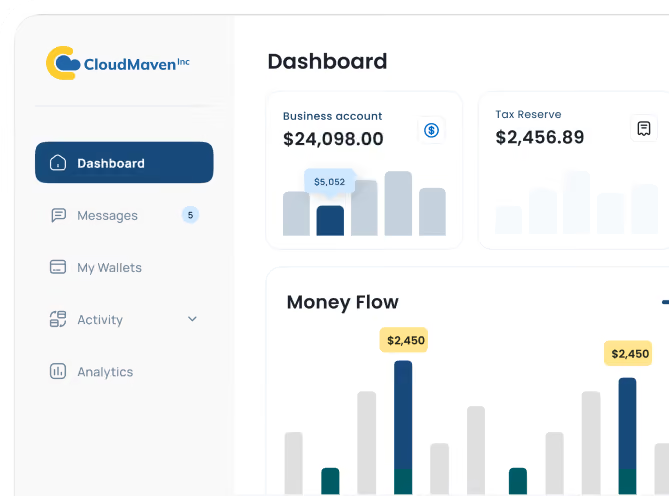
With a quick search, you can confirm whether a business is real, active, and in good standing, no digging through state websites or guessing if the info is current. Our app pulls straight from official U.S. registries and global sources, making entity verification via Secretary of State feel effortless instead of tedious. Everything shows up cleanly in Salesforce so your team isn’t stuck doing manual checks.

-p-1080%201.avif)
Business Profiles Assemble Registered Name, Entity Type, and Formation Date From Official Records
Instead of jumping between state sites trying to piece together details, you get a full snapshot of a company in one place pulled straight from official registries across 300+ global Jurisdictions, including 50 US states. Details like the registered name, jurisdiction, and formation date show up instantly, making Secretary of State filing verification a lot less painful. It’s the kind of clarity that helps your team move faster and trust the data they’re working with.
Official Filings Supply Officer, Director, and Manager Names for Every Verified Business
No more clicking through endless PDFs trying to figure out who actually runs the company. Our system grabs the latest officer and director information directly from official filings, so you get a real sense of who’s behind the business. It’s a huge time-saver, especially when you need quick, trustworthy Secretary of State business verification before moving forward.
Filing History Reveals Every Formation, Amendment, and Status Change on a Business Record
Tracking down old filings usually means bouncing between state sites and guessing which document is the right one. Here, everything is pulled together for you, clean, readable, and tied to the business you’re checking. It’s a simple way to understand a company’s past actions and make smarter calls during SOS business verification.
Business Verification Launches From Any Salesforce Record, Including Accounts, Leads, and Opportunities
Whether you are working on an Account, Lead, Opportunity, or any custom object, you can run a quick business check without leaving the page. It keeps things simple; no extra tabs, no messy copy-paste, and no waiting around for someone else to verify it. Everything about Secretary of State verification becomes quicker when it fits right into your existing workflow.
Automated Business Checks Run 3x Faster and Surface 74% More Risk Flags Early
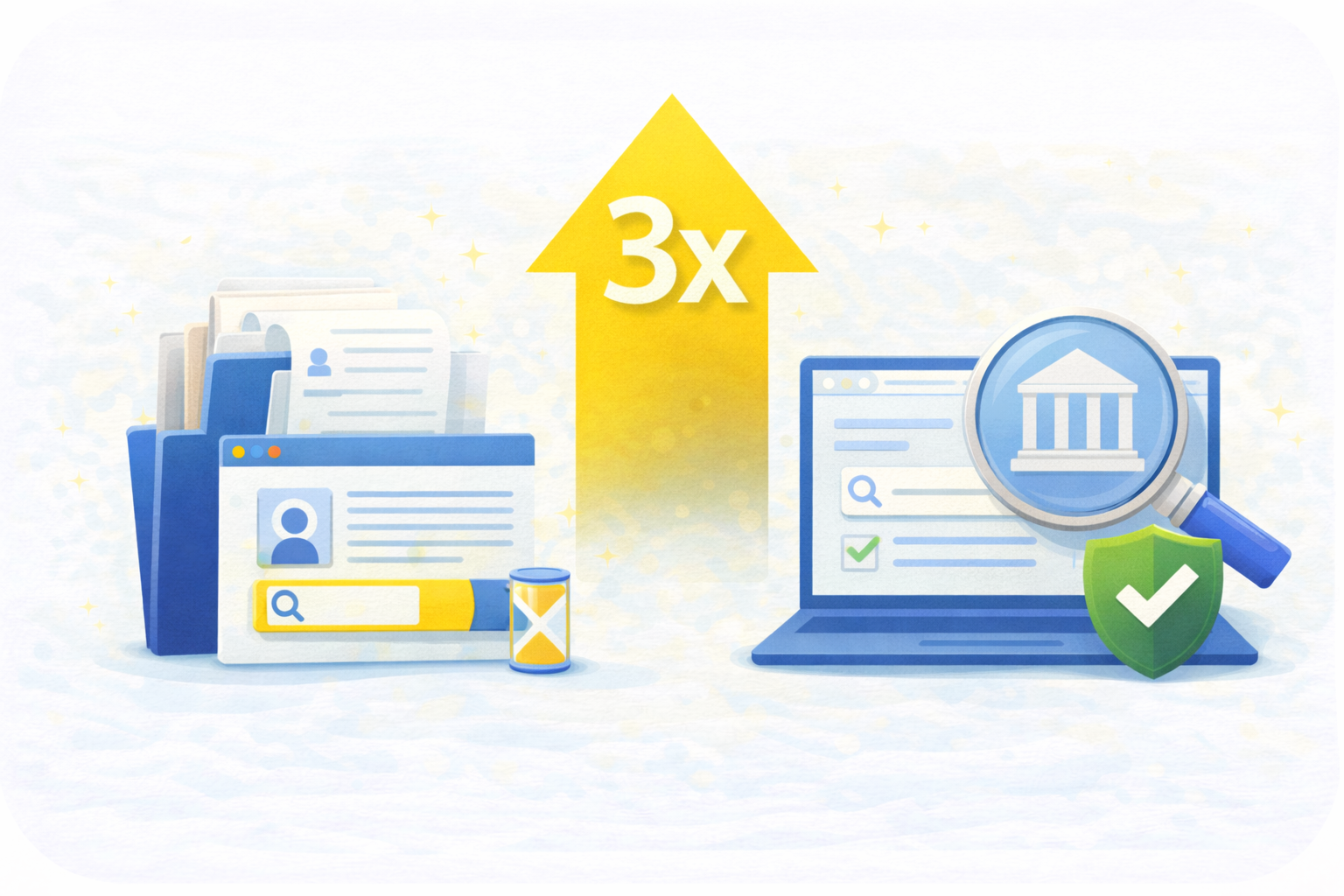
Business Lookups Complete Three Times Faster Than Manual State-Site Searches
Pulling data from official registries speeds up entity checks dramatically, letting teams move past slow state-site searches almost instantly.
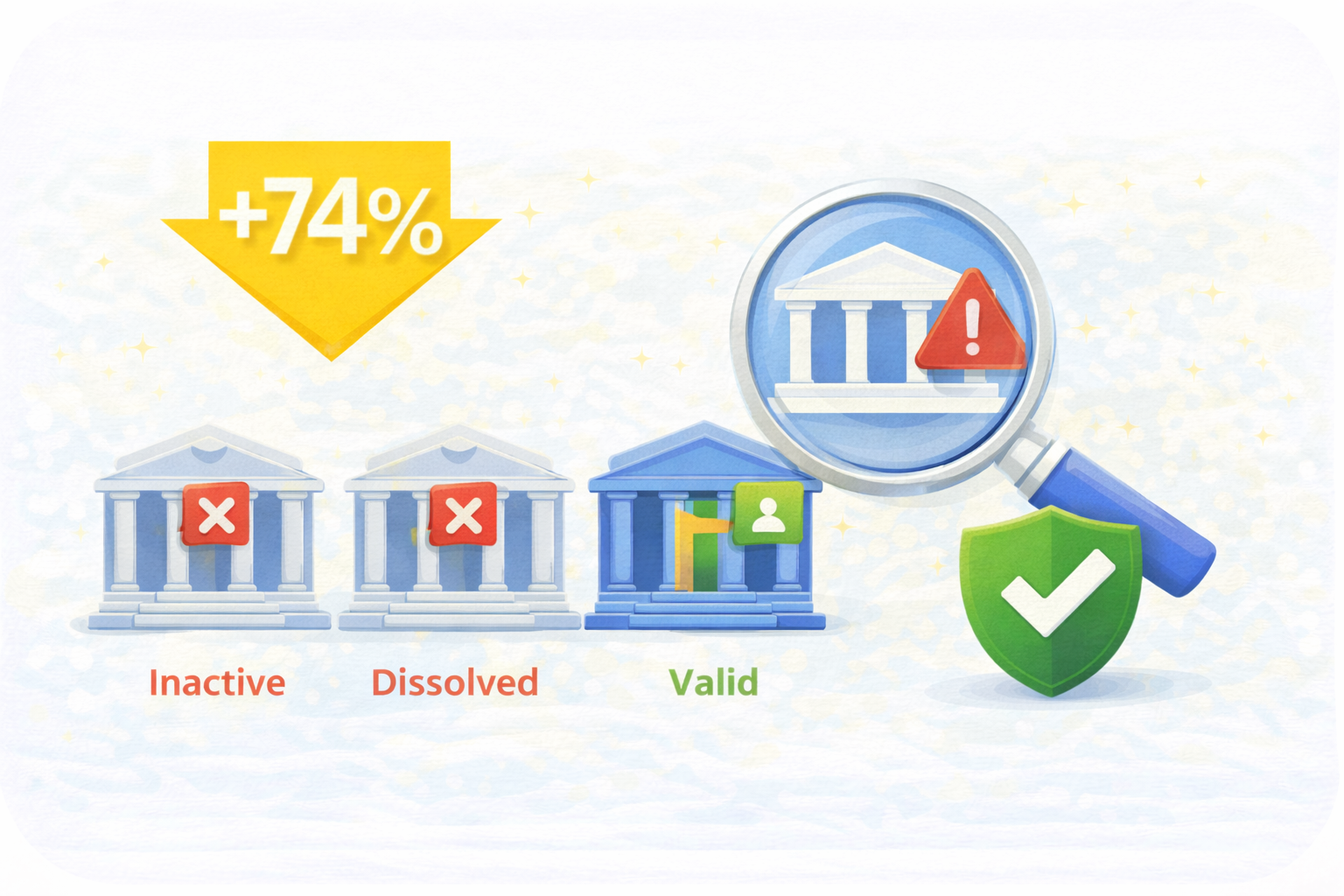
Teams Catch 74% More Risk Flags Before Onboarding an Inactive or Dissolved Entity
Inactive, dissolved, or mismatched businesses surface much sooner, helping teams avoid onboarding companies that would’ve caused problems later.
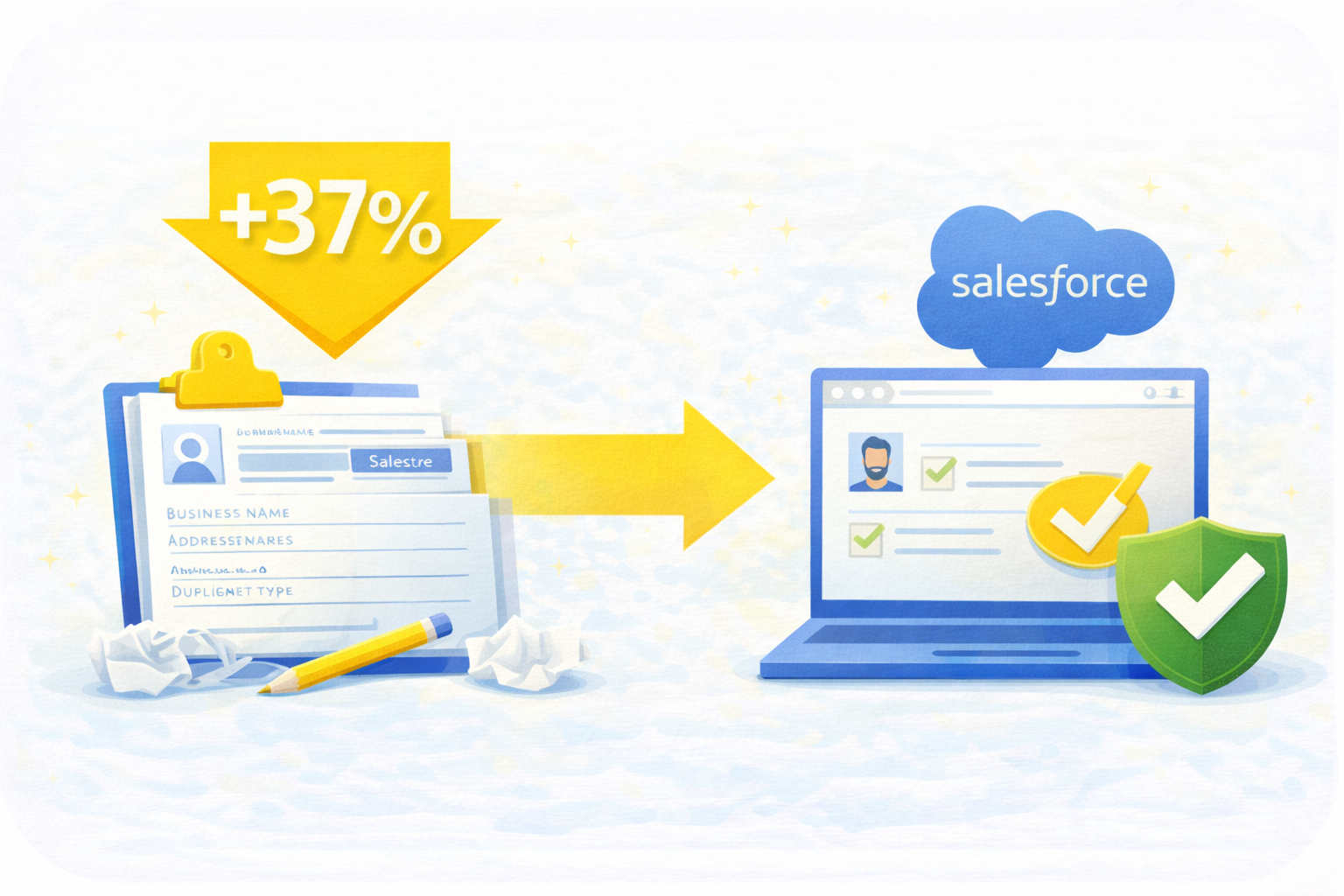
Verified Data Flows Into Salesforce and Removes Over 37% of Manual Entry
Verified business information flows straight into Salesforce, cutting out duplicate typing, copy-paste errors, and messy record cleanup.
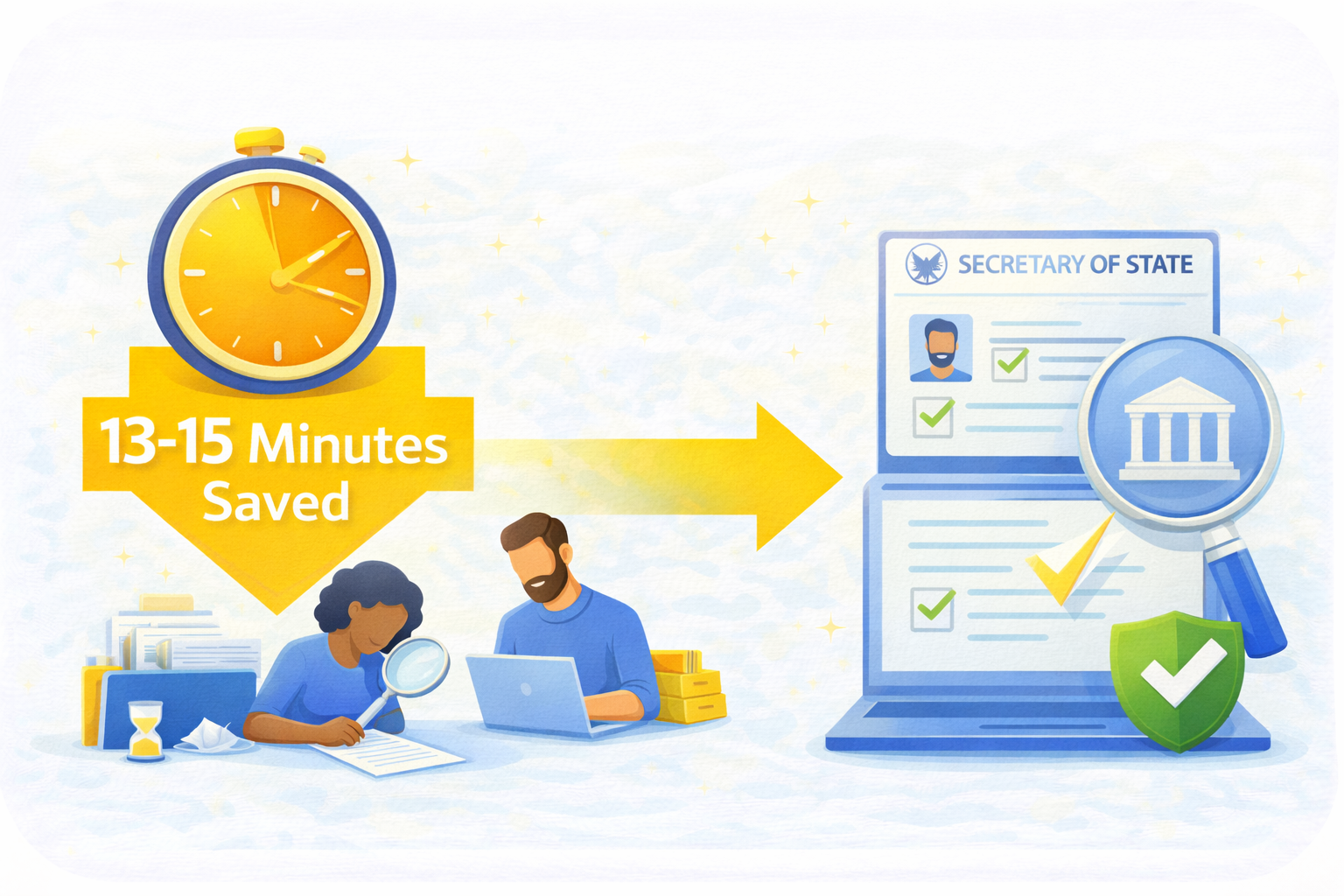
Each Verification Saves 13 to 15 Minutes of Registry Searching
Quick access to Secretary of State data eliminates tedious digging, shaving minutes off every check and hours off weekly workloads.
Why Teams Rely on Cloud Maven, Inc to Verify Businesses Before Onboarding


Formation Dates and Officer Records Expose Shell Companies Before They Reach the Pipeline
See whether a business actually exists, who’s behind it, and when it was formed, helping you catch shell companies long before they reach your pipeline.

One Search Covers Hundreds of Jurisdictions
No matter where a company incorporated, Delaware, Florida, Texas, overseas, you get the same consistent, clean snapshot without opening a single state website.

Official Records Confirm Business Details Without Customer Paperwork or Follow-Up Emails
You don’t need to rely on what a prospect "says" about their business. Pull official records directly, no paperwork or back-and-forth emails required.

Every Verification Leaves an Audit Trail Compliance Teams Can Defend
Every verification leaves a clear audit trail. Your compliance team gets documented proof that you verified the business using official state data.

Status Changes Surface When a Business Is Dissolved, Forfeited, or Inactive
Companies dissolve or get forfeited all the time. We surface these status changes early so you’re not building deals on outdated or risky information.

Entity Type, Agents, Officers, and History Show a Company’s Structure in Seconds
See entity type, formation date, agents, officers, and history in seconds. No more clicking through PDFs to figure out who’s actually in charge.

Frequently Asked Questions
How does the SOS Verification actually work?
It’s pretty simple on your end. You search a business inside Salesforce, and we pull its official record from Secretary of State databases and OpenCorporates. That means you’re seeing the same details a state registry would show legal status, formation date, officers, filings, all of it. This takes the guesswork out of Secretary of State verification and gives you clean, reliable information without jumping across different state sites.
What if the business is incorporated in a different state (or outside the U.S.)?
No need to hunt across websites. The tool checks 300+ global Jurisdictions, including 51+ US states, in real time so you’re covered even when the company is out-of-state or foreign.
You’ll still get:
- Business status and formation details
- Jurisdiction information
- Data pulled through SOS business verification sources
It makes entity verification via Secretary of State a whole lot easier, even when the business isn’t local.
What kind of details do we actually get from a verification?
You’ll see the important stuff that helps you trust a business: its legal name, entity type, whether it’s active or dissolved, registered agent info, and the full filing history. You’ll also get officer and director names when available. All of this supports clean Secretary of State business verification without asking the customer to upload anything or confirm details manually. It’s everything you need to feel confident about who you’re working with.
Does SOS verification help with compliance and audits?
Yes, every verification leaves an automatic trail in Salesforce, what was checked, when it was checked, and what the official record said at the time. This means your compliance team doesn’t have to piece together screenshots or bookmarks during an audit.
It also helps because:
- You’re using verified state data
- Records get logged in a consistent way
- Business formation verification becomes traceable and repeatable
It’s cleaner and far easier to defend during compliance reviews.
What happens if a business appears inactive or dissolved?
If a company comes back inactive, forfeited, or dissolved, you get that information upfront before you sign a contract or extend credit. From there, teams usually either pause the process or ask the customer for updated documentation. The point is that you’ll know early, not after a deal is already moving forward.
This early visibility is exactly why Secretary of State filing verification is so valuable as it prevents you from engaging with entities that aren’t legally operating anymore.
Learn. Build. Grow.
August 24, 2026
August 17, 2026
August 10, 2026