Salesforce Email Encryption with Secure Email
HIPAA-Compliant Encrypted Email, Powered by Paubox
Secure Email is a Salesforce-native solution that lets teams send, receive, and track encrypted emails directly from Salesforce. Powered by Paubox, it supports HIPAA-aligned communication workflows, automatic encryption, delivery tracking, and secure email automation, without requiring recipients to use a separate portal in most cases.
Send HIPAA-Compliant Encrypted Email from Salesforce
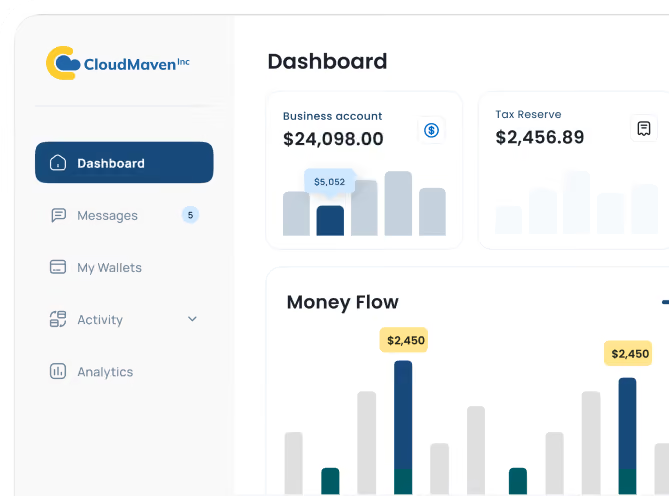
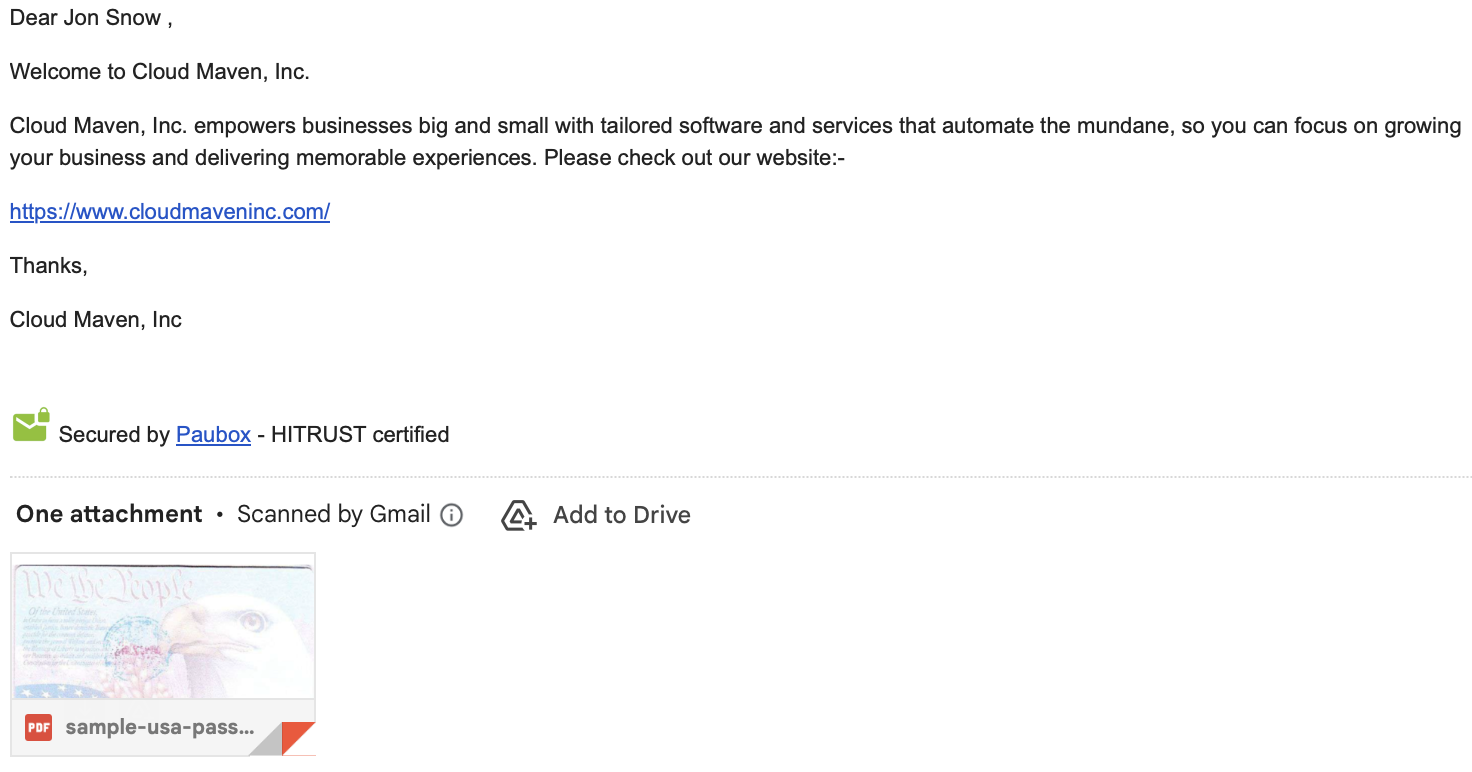
Send sensitive emails and attachments directly from Salesforce using Secure Email, powered by Paubox. Messages are encrypted automatically, and recipients read them in their regular inbox without additional software or passwords. When direct encrypted delivery is unavailable, Paubox provides a secure message portal as an alternative.

Track Encrypted Email Delivery and Activity in Salesforce
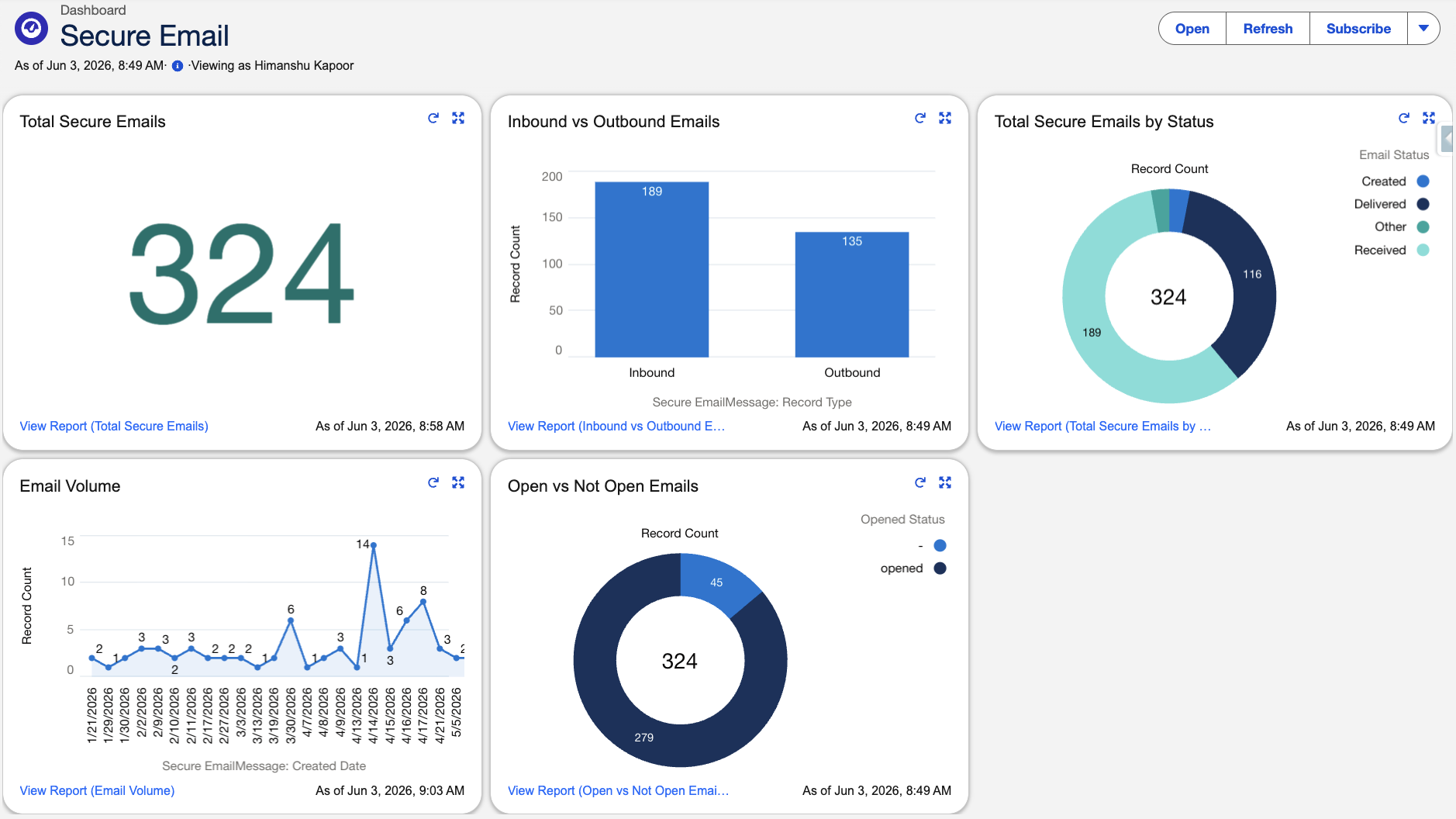
Monitor encrypted email activity without leaving Salesforce. Every request is logged through Paubox KMS with real-time delivery status, open receipts, and full audit trails stored directly on the Salesforce record. Compliance teams get immediate, searchable visibility into every message sent, without digging through external logs or waiting on reports.
Compose and Send Secure Emails From Any Salesforce Record
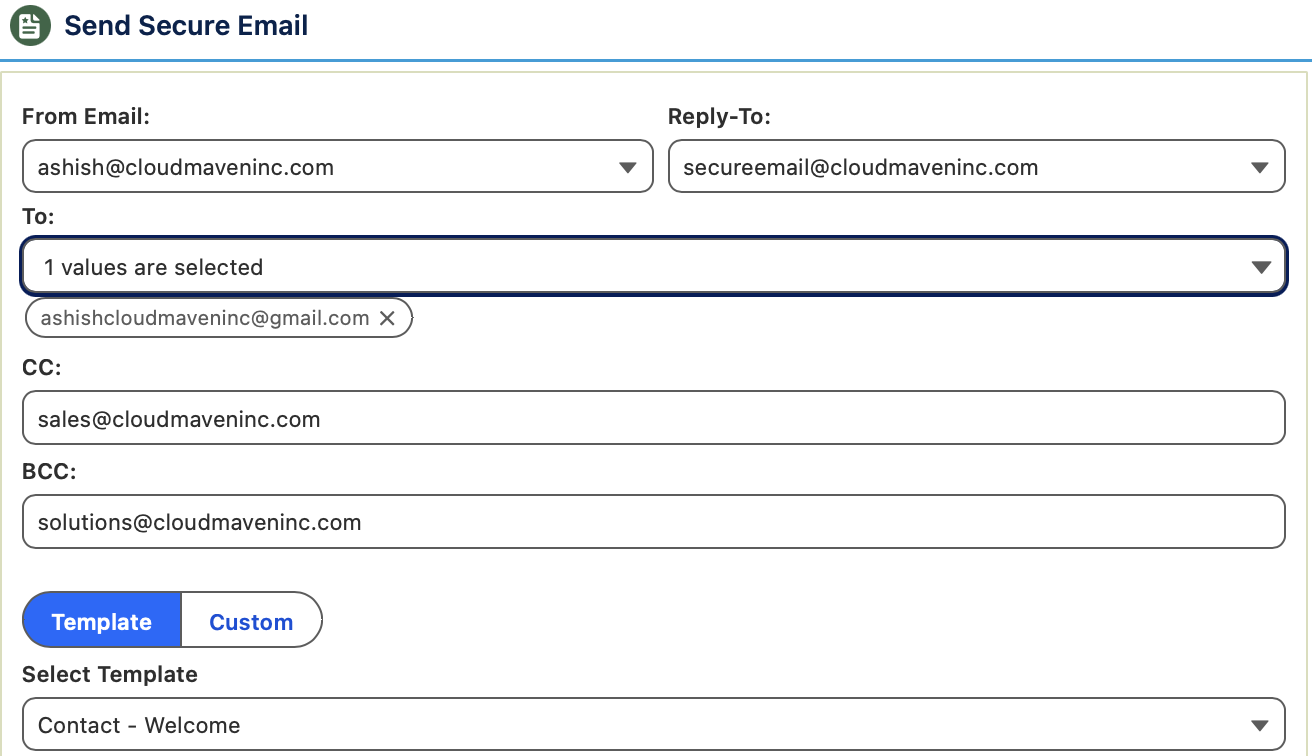
Instead of manually sending secure messages every time PHI or critical documents are generated, Secure Email automates everything. Connect encrypted email to Salesforce Flows, Apex, triggers, and Process Builder so sensitive messages are sent automatically based on record changes, approvals, or form submissions. It also supports scheduled delivery and bulk sending, helping teams reduce repetitive communication tasks.
Protect Every Email With TLS 1.3+ and AES-256 Encryption
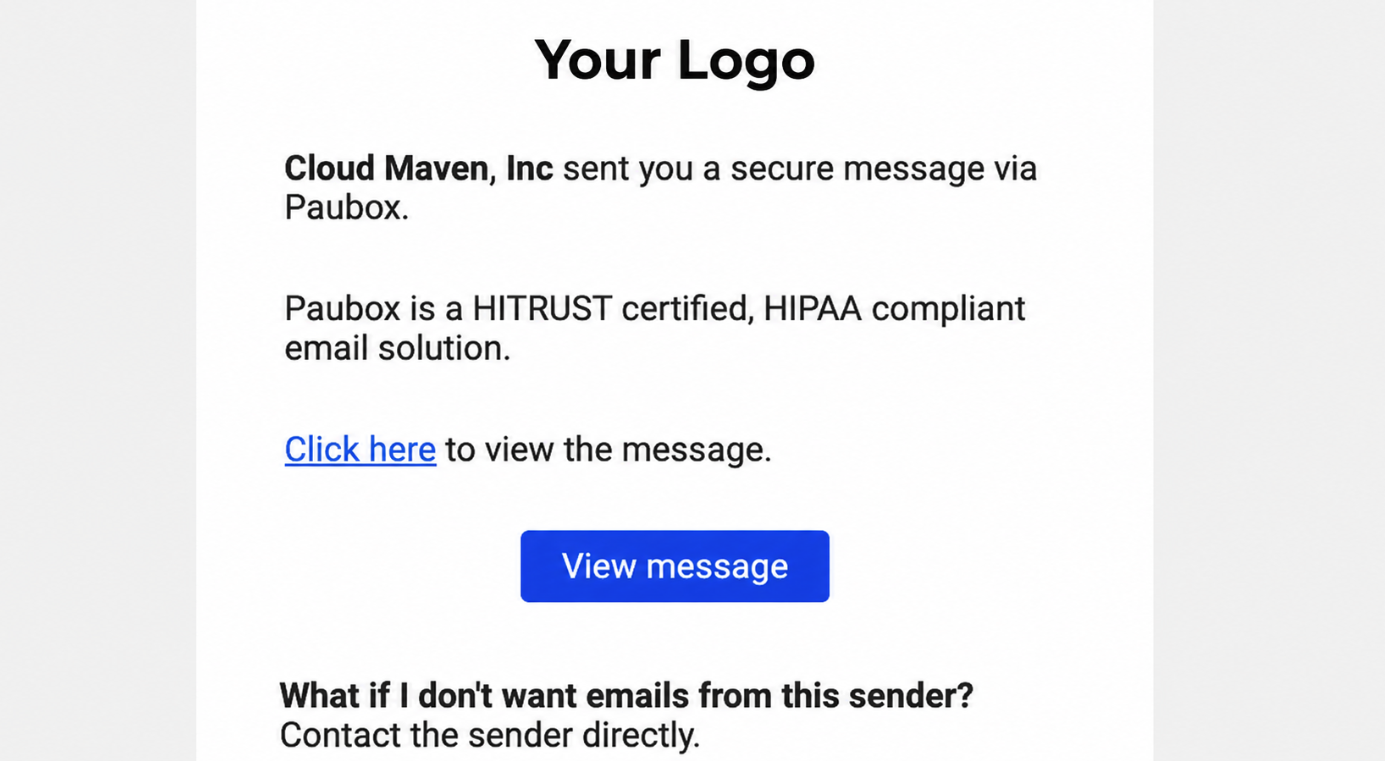
You get the strongest encryption standards, such as TLS 1.3+, AES-256, MFA, OTP access, without deploying new software, plugins, or mail gateways. When a recipient’s server can’t support secure delivery, automatic fallback routing kicks in, so messages never travel unprotected. Cloud Maven, Inc never stores or relays message content as traffic flows only between your Salesforce org and Paubox.
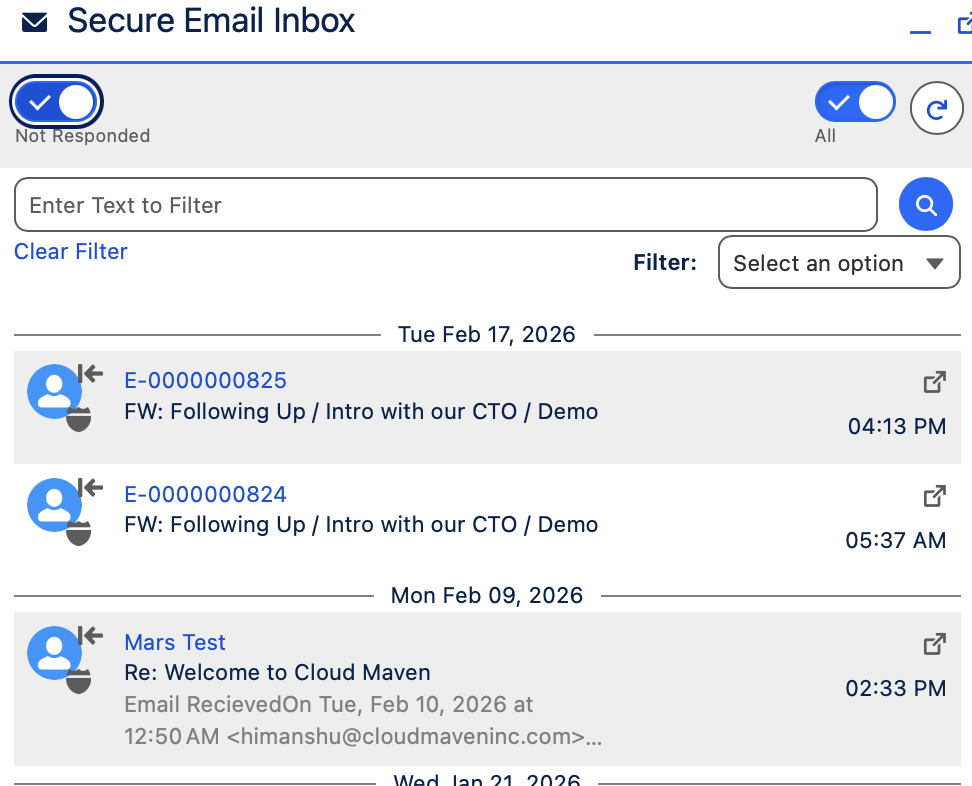
Manage Email Conversations in one Salesforce Inbox
Manage, view, and respond to all secure email threads from a centralized inbox inside Salesforce. Whether you manage multiple domains, work across several business units, or handle thousands of encrypted messages daily, Secure Email scales effortlessly. Multi-domain and multi-credential support, bulk delivery, and dynamic templates meet more complex organizational requirements.
How Secure Email Speeds Up Message Handling, Cuts Compliance Exceptions, and Reduces IT Tickets
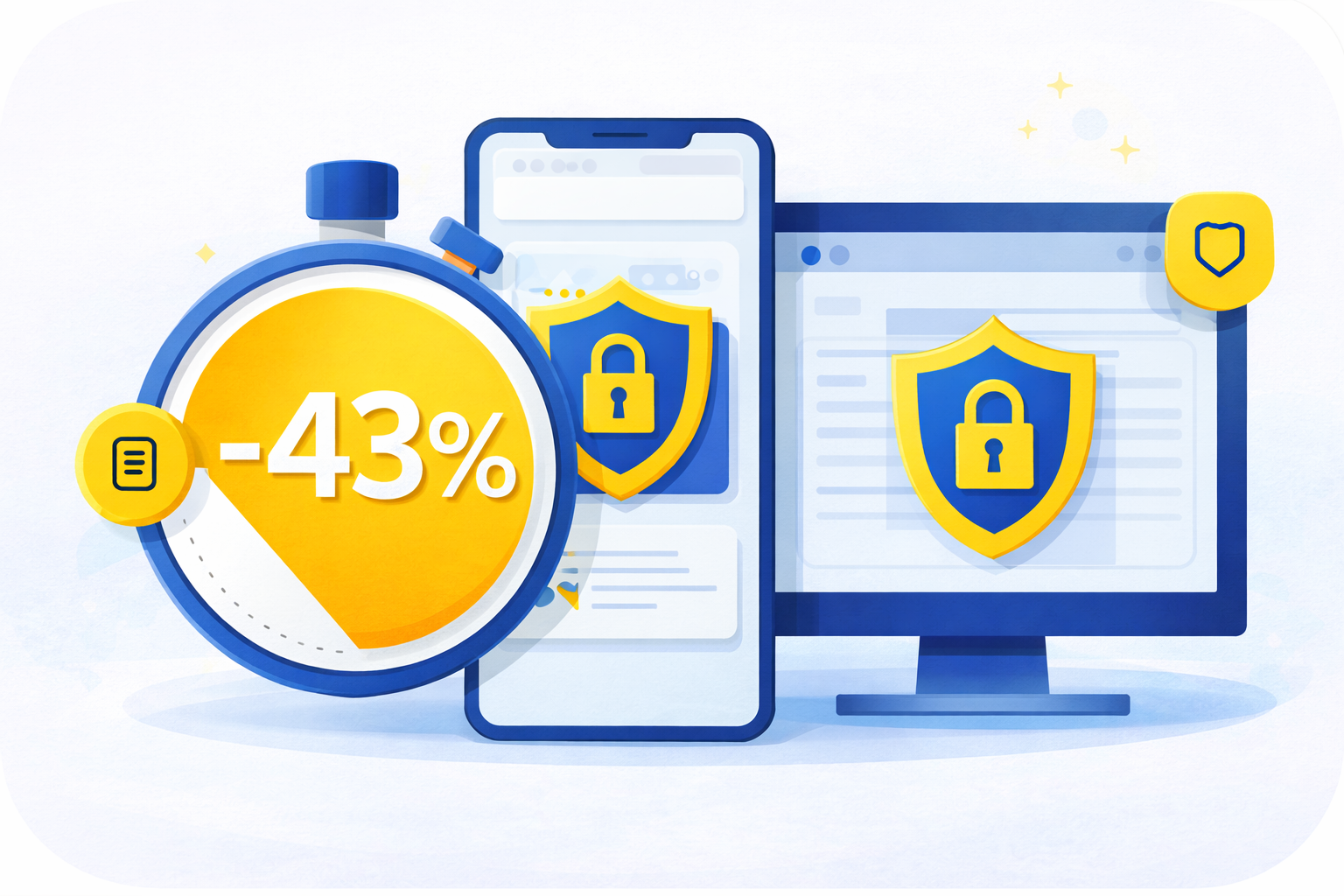
43% Faster Secure Message Handling
Compared to prior manual workflows, teams cut nearly half the time spent on sensitive emails because Secure Email removes portals, plugins, delays, and permission issues.
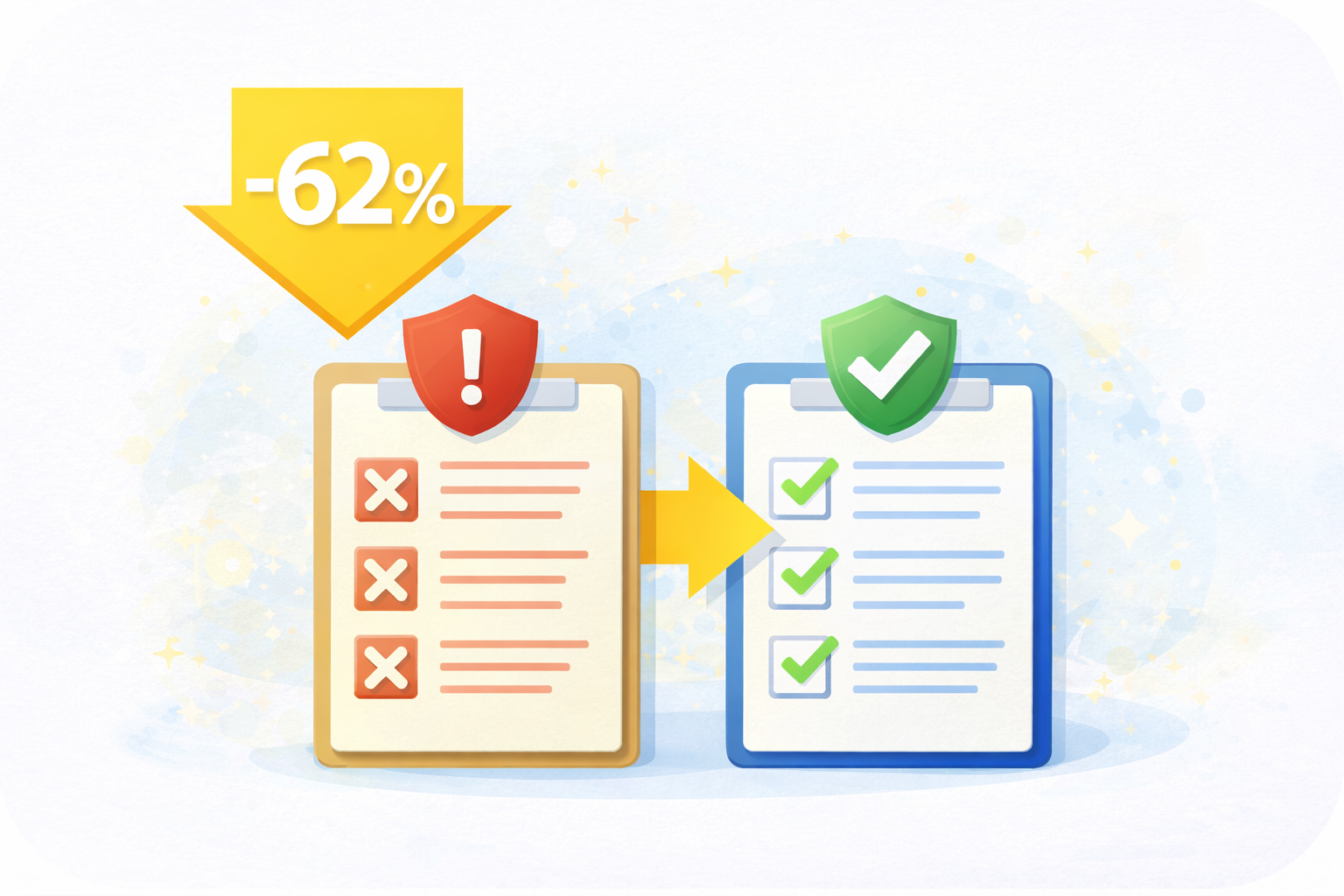
62% Fewer Compliance Exceptions Logged
Based on average results across our customer implementations, with automatic encryption and complete audit trails, compliance teams report dramatically fewer gaps, missing records, & misrouted PHI emails during routine reviews.
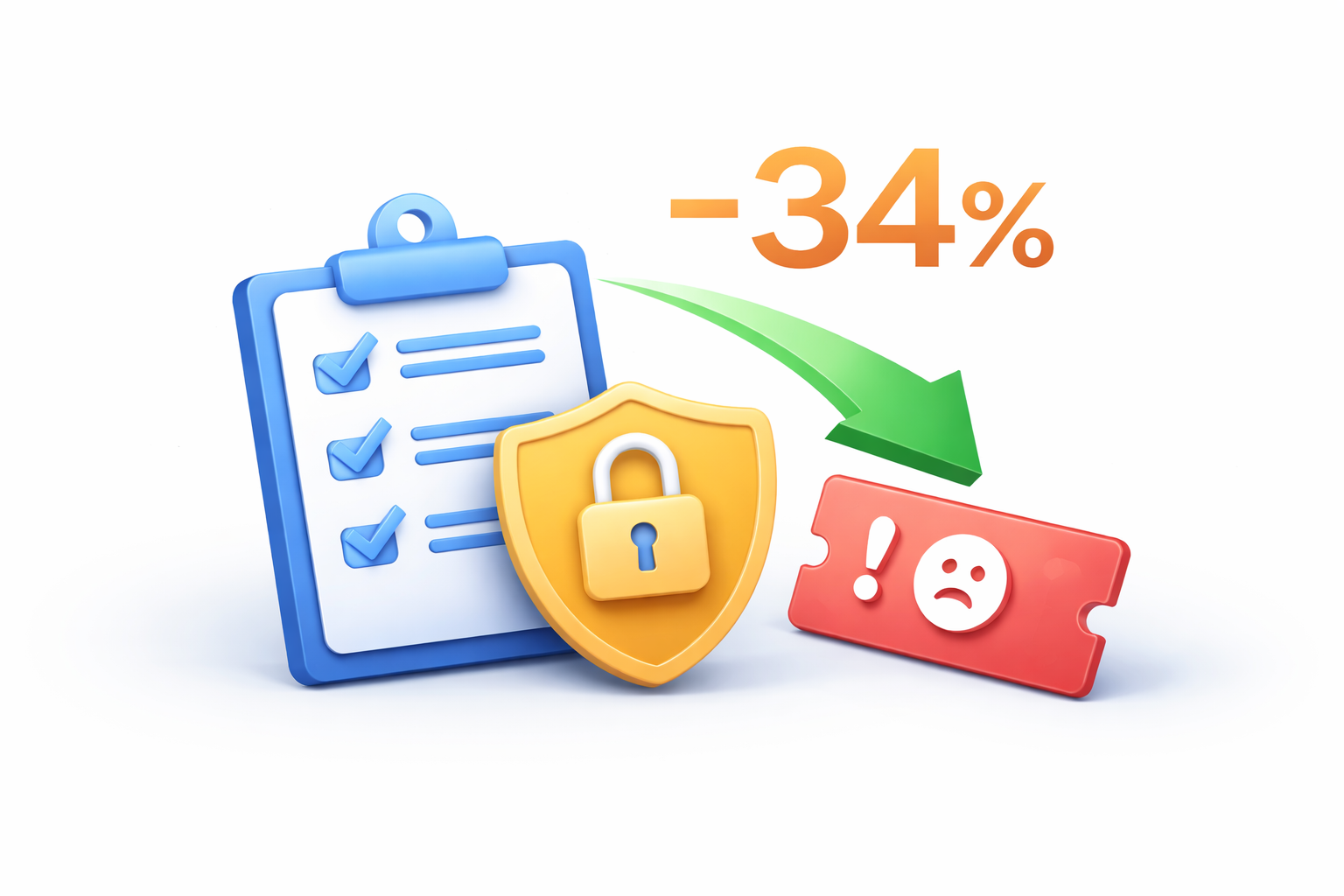
34% Drop in IT Support Tickets
No plugins, no extensions, no password resets. Based on customer data across Secure Email deployments, it reduces technical friction, cutting a noticeable share of email-related support requests.
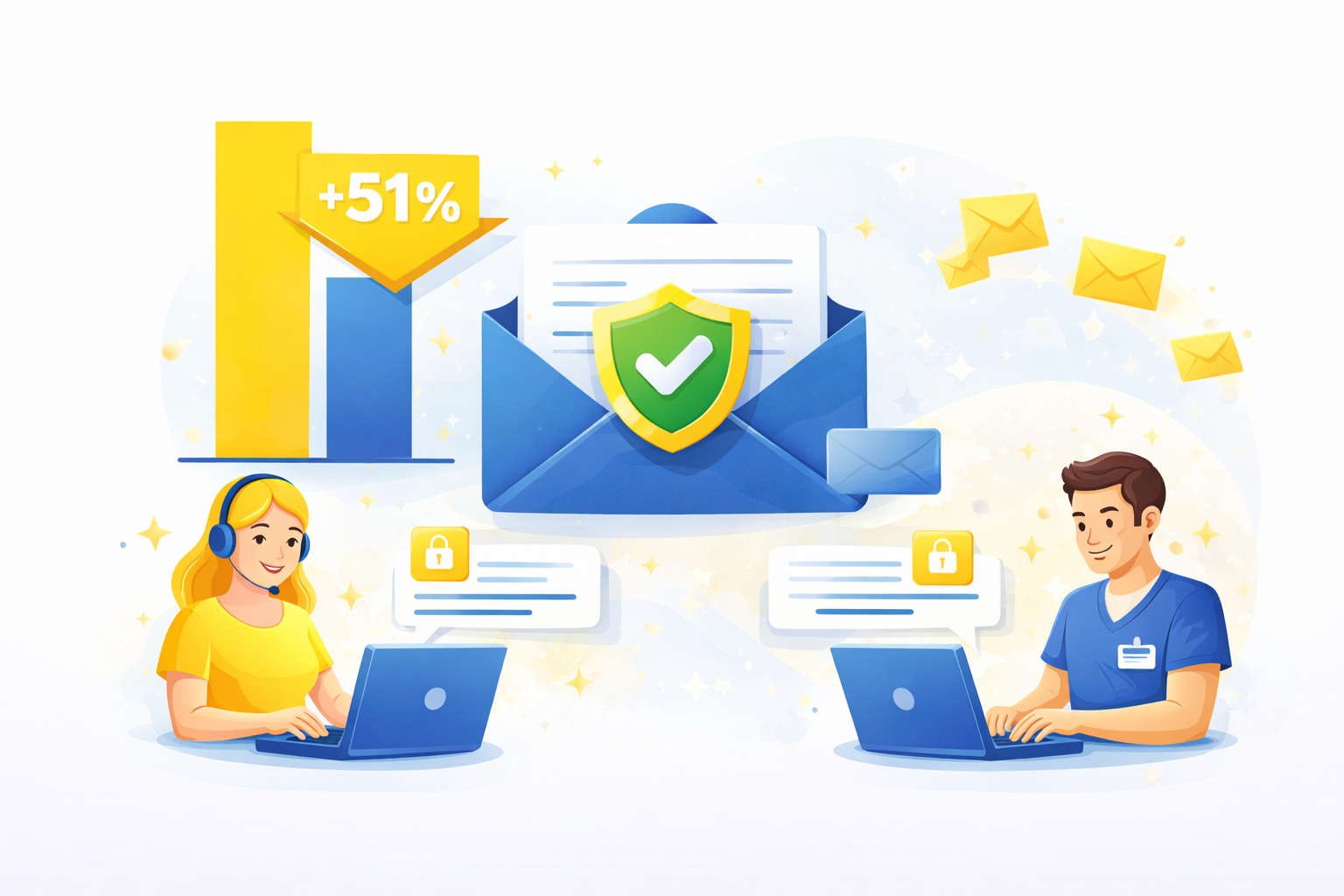
51% Increase in Recipient Engagement
Since encrypted email opens like normal email as reported by customers, more recipients actually read and respond, boosting timely communication for PHI and critical updates.
Why Teams Choose Cloud Maven, Inc for Encrypted Email Security


Deploys Easily Across Complex Org Setups
Secure Email works smoothly even in multi-org, multi-domain, or multi-department environments, making enterprise rollout painless without needing special IT projects.

Reliable Delivery Even With Weak Recipient Security
When a recipient’s server can’t support secure delivery, Secure Email automatically shifts to a fallback method, so sensitive messages never fail or disappear silently.

Maintains Your Brand Reputation on Every Message
Your encrypted email still shows your real domain, helping you avoid “unknown sender” warnings and keeping trust high for patients, clients, and partners.

No Extra Inbox or Portal for Your Team to Manage
Employees don’t juggle a second inbox or external dashboard. Everything, sending, receiving, replying, happens inside the flow they already use.

Built-In KMS for Key Control and Governance
Paubox KMS gives you deeper oversight of encryption keys, helpful for internal security teams that need serious governance, rotation controls, and audit visibility.

Built for High-Volume Compliance Workflows
Whether it's thousands of PHI emails, insurance updates, or client notices, Secure Email keeps performance steady and predictable without slowing down.

Frequently Asked Questions
Is the email encryption HIPAA compliant?
Yes. Secure Email for Salesforce is built on Paubox's HIPAA compliant email encryption software which ensures end to end security for all deliveries. Salesforce email security compliance is achieved via encrypted delivery, detailed audit trails, and data integrity validations.
How quickly are encrypted emails delivered?
Encrypted emails are delivered in real time, typically within seconds. With Salesforce email encryption, messages are transmitted using secure TLS protocols to ensure instant and safe delivery without compromising compliance.
Can I track email delivery status?
Yes, Secure Email allows you to monitor the full lifecycle of every message sent from Salesforce. Delivery confirmations, open events and receipts are available immediately from the Salesforce record.
How much does Secure Email for Salesforce cost?
Secure Email starts at $10 per user per month. A minimum of 10 licenses or 5% of your organization's total Salesforce licenses, whichever is higher, is required.
Discounts are available for nonprofit organizations. Contact Cloud Maven, Inc for a customized quote.
Does it work with existing Salesforce workflows?
Absolutely. Secure Email can be seamlessly integrated into Salesforce automation flows, triggers, process builder, and Apex. You can utilize triggering requirements for secure emails against record changes, approvals or form submissions.
What types of attachments are supported?
Secure Email supports virtually all file types including PDFs, images, and office documents. All attachments are natively encrypted, scanned and securely stored thus guaranteeing email compliance and confidentiality.
- Attach any file size or type
- Encrypt in transit as well as at rest using the patented encryption of Paubox
- Ideal for regulated and compliance industries like healthcare, finance, and legal
Can recipients read encrypted Salesforce emails without a portal?
In most cases, yes. Recipients whose mail servers support the required TLS encryption can receive messages directly in their inbox.
When secure direct delivery is unavailable, Paubox can provide access through its Secure Message Center.
Learn. Build. Grow.
August 24, 2026
August 17, 2026
August 10, 2026