Salesforce Payment Processing with Payment Connect
Accept ACH, eCheck & Credit Card Payments in Salesforce
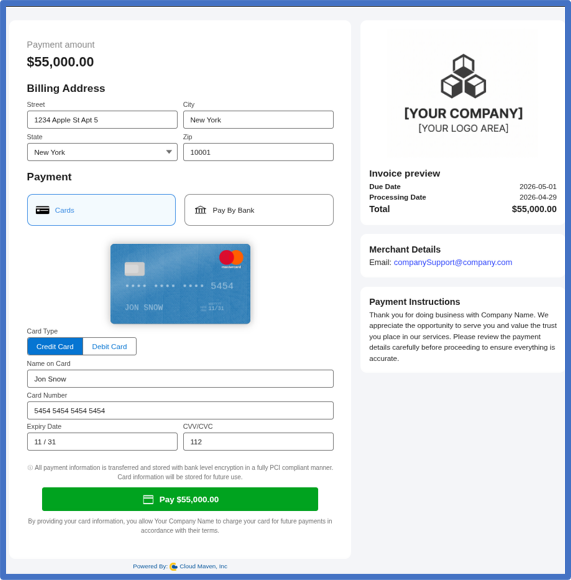
Payment Connect is a Salesforce payment processing solution that lets your team accept credit card, debit card, ACH, and eCheck payments directly from your Salesforce records and workflows. You can connect supported payment gateways, send secure payment links, automate recurring billing, and track every transaction activity in Salesforce.
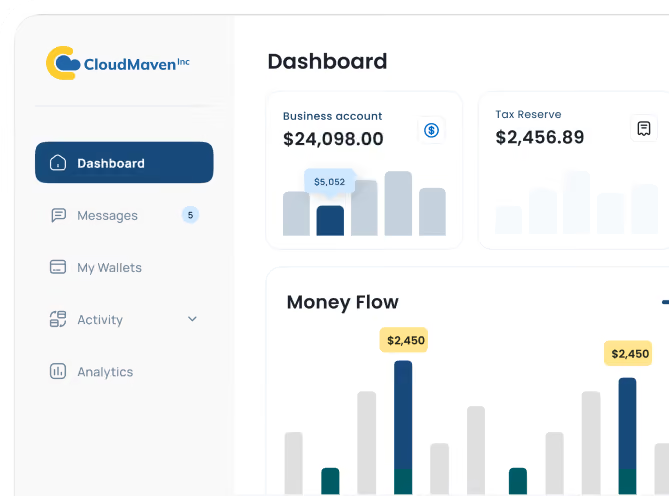
Salesforce Payment Reporting and Analytics
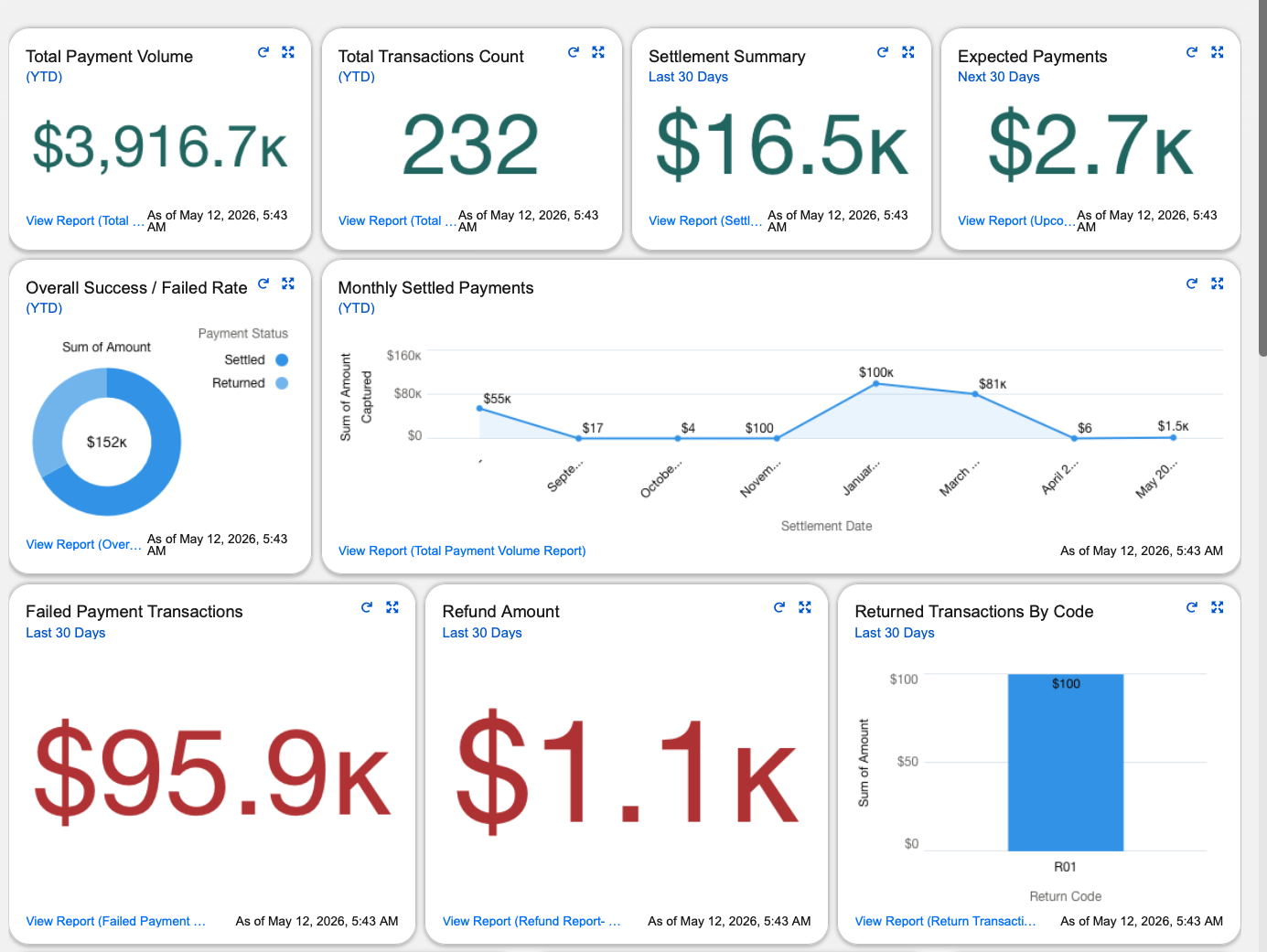
Track ACH, eCheck, and credit card transactions directly in Salesforce. You can easily monitor payment statuses, failed transactions, refunds, recurring billing activity, and outstanding balances directly in Salesforce through customizable reports and dashboards. Give your teams live access to actionable Salesforce payment insights without exporting data to external systems.

Salesforce Payment Portal For Customer Self-Service
Make it easier for customers to pay invoices through a branded Salesforce payment portal. With Salesforce Experience Cloud, your customers can swiftly complete ACH, eCheck, and card payments, use supported saved payment methods, and access payment information. At the same time, your team can monitor payment activity and transaction history without switching between systems.
Salesforce Payment Gateway Integration for ACH, Card & eCheck
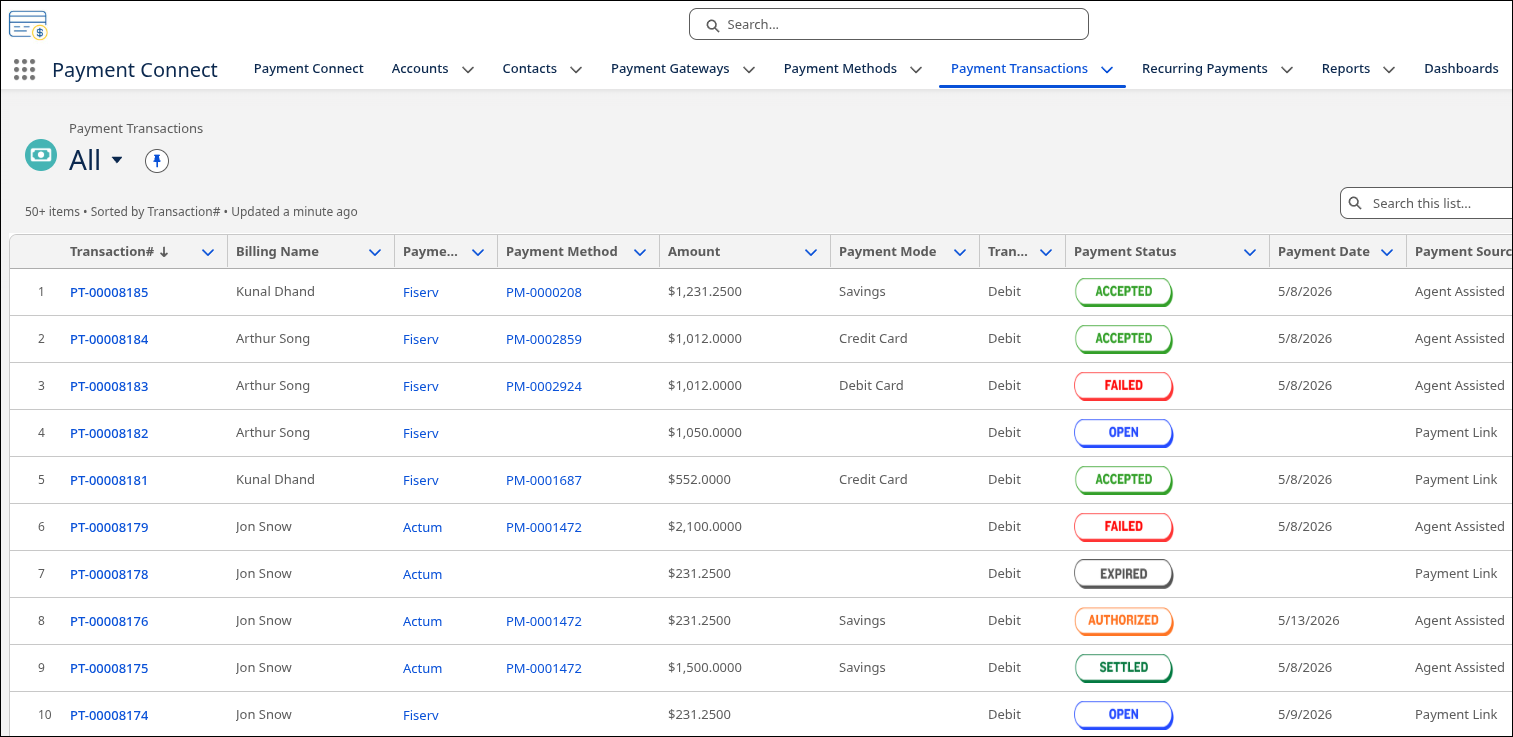
Connect Salesforce with multiple payment gateways to process ACH, eCheck, credit card, and debit card transactions. Payment Connect supports processors including Stripe, Fiserv, Actum, Authorize.Net, and PayPal, giving you flexibility to work with compatible payment providers. Whether you are collecting a one-time credit card payment, scheduling a recurring ACH debit, sending an eCheck, or pushing an outbound payout, Payment Connect handles it natively in Salesforce.
Salesforce Recurring Payments and Billing Automation
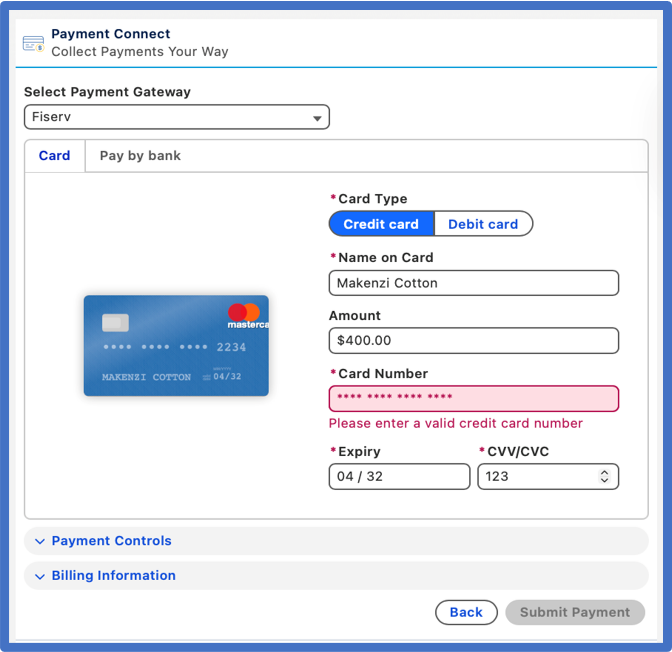
Payment Connect automates everything, eCheck payment processing, card billing, subscription cycles, and scheduled ACH electronic check payments in Salesforce. Whether it’s a payment plan, a recurring charge, or a one-time invoice, the system handles it quietly in the background so your team doesn’t have to.
Accept ACH, Credit Card, and eCheck Payments in Salesforce
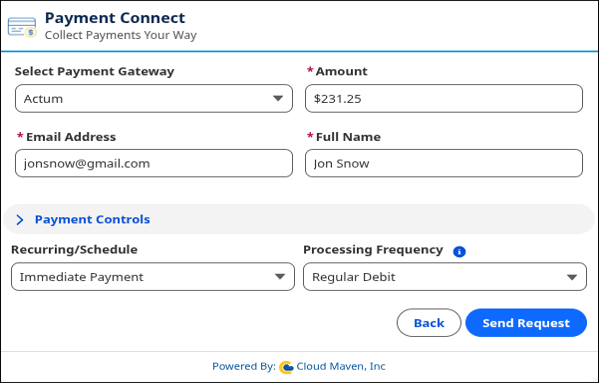
Collect ACH payments, eChecks, and debit or credit card payments directly from Salesforce Accounts, Opportunities, Cases, and custom objects. You can send secure, branded payment links that allow customers to complete transactions through supported payment gateways. Whether your team initiates the charge or a customer pays through a self-service portal, every transaction is captured, confirmed, and reconciled on the same record.
How Payment Connect Reduces Failed Salesforce Payments, Cuts Reconciliation Time, and Boosts Payment Volume

Reduce failed payments by up to 22%
Using native Salesforce payment workflows and bank-account-based methods means fewer lost transactions. Expect around a 22% drop in failed invoices based on customer data.
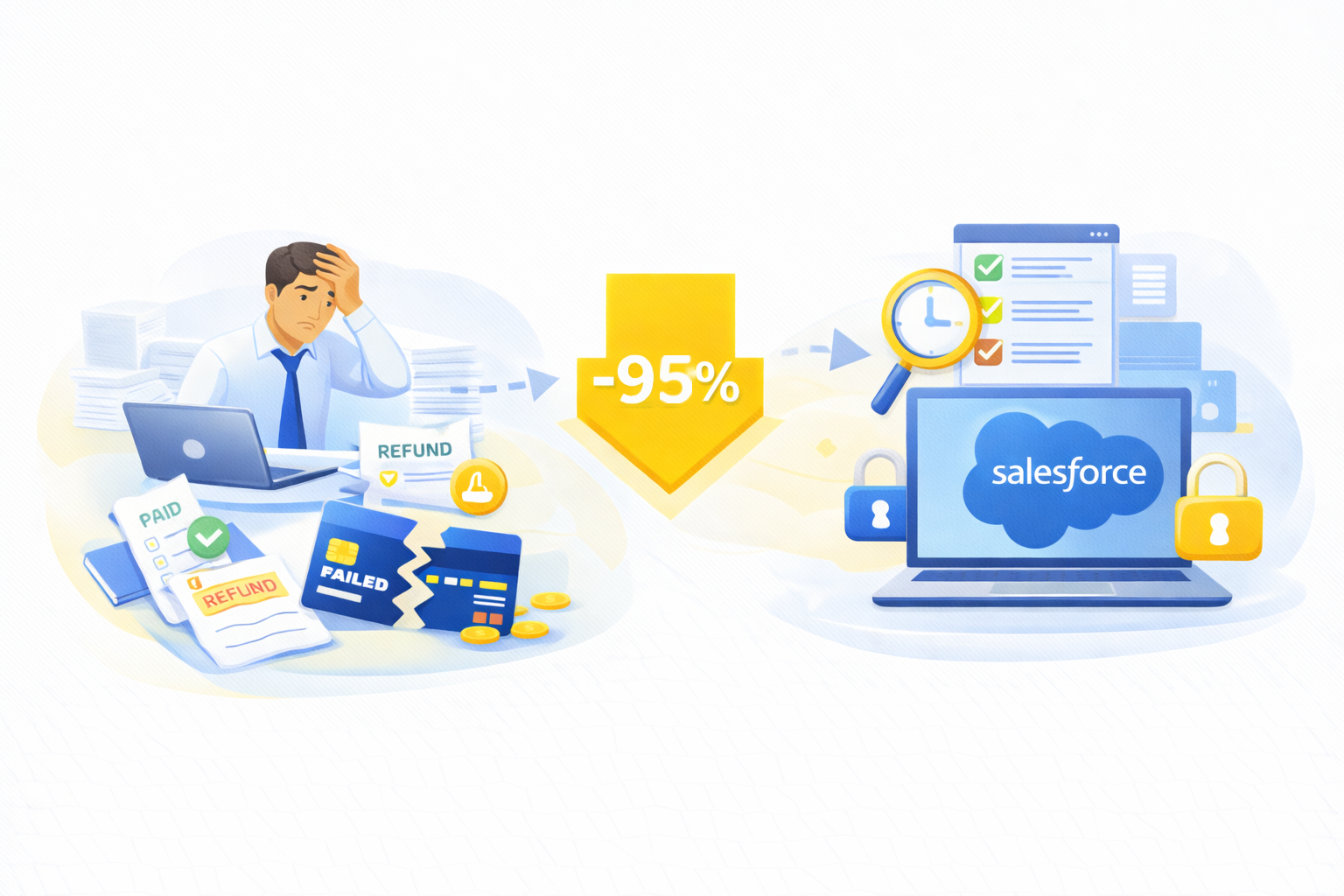
95% less reconciliation effort
Centralizing payment history, statuses and refunds into Salesforce helps your finance team reconcile faster, based on average results across our customer implementations.
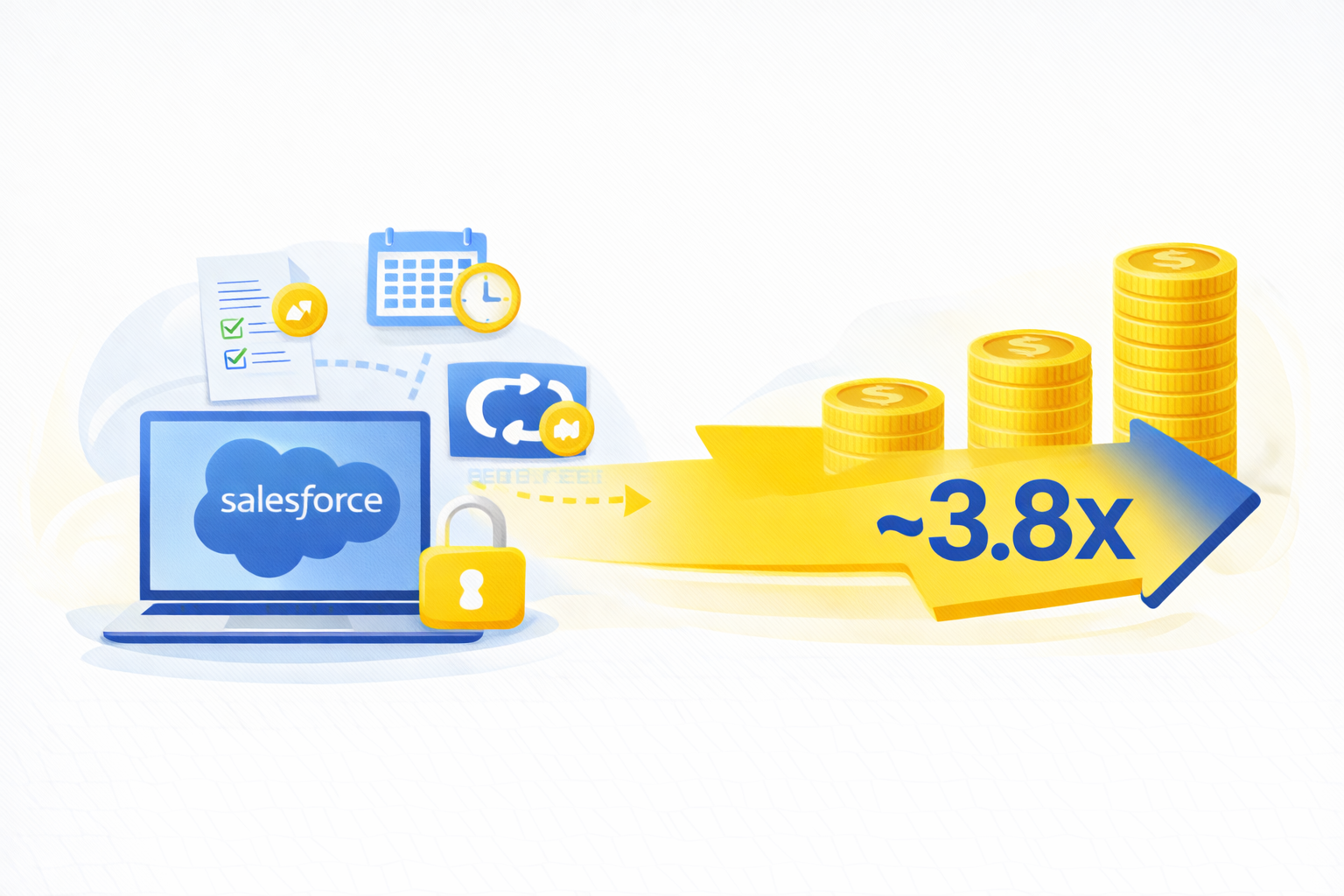
Boost automation-driven payment volume ~3.8×
With one-time, scheduled and recurring billing in Salesforce, many businesses report more payments processed per month, with less manual effort.
Why Finance Teams Choose Payment Connect for End-to-End Payment Management


Effortless Refunds and Voids
Issue refunds or voids for Salesforce ACH payments, eChecks, or card transactions directly inside CRM, keeping your Salesforce payment processing clean, fast, and fully compliant for finance teams.

Fully Configurable Email & Checkout Templates
Create branded payment emails and hosted checkout pages for ACH electronic check, card, and Salesforce eCheck payments, improving customer trust and strengthening your Salesforce payment integration experience.

Bulk Payment Handling at Scale
Send large batches of ACH transfers, eCheck payment requests, or card charges in a single action, helping AR teams manage high-volume Salesforce invoicing with ease.

QuickBooks Sync for Easy Reconciliation
Automatically sync completed ACH, eCheck, and card payments into QuickBooks, enhancing the connection between Salesforce and your QuickBooks payment workflows.

Flexible Gateway-Level Configuration
Fine-tune settings for every connected Salesforce payment gateway, helping you control costs, improve routing, and optimize how ACH, eCheck, and card payments flow across your systems.

Support for Outbound Payouts
Use Salesforce to initiate outbound ACH payments or eCheck-based payouts for vendors, partners, or resellers, keeping all Salesforce payments centralized in one system.

Frequently Asked Questions
Which payment methods does Payment Connect support in Salesforce?
Payment Connect supports credit cards, debit cards, ACH payments, ACH electronic check (eChecks), and digital wallets and outbound payouts, making it suitable for collections, invoicing, loan servicing, renewals, subscription billing, and partner or vendor payouts.
How quickly are payments processed?
Payments are processed in real time and generally within seconds of initial request. Live payment confirmation, return codes, and failure alerts are also instantly recorded inside Salesforce, preventing any possible delay in reconciling payments and providing complete cash flow visibility for your finance and sales teams.
Is Salesforce payment processing with Payment Connect PCI compliant?
Yes, Payment Connect is wholly compliant with PCI Level 1 and employs enterprise-grade tokenization and AES-256 encryption with no raw card or bank data ever stored in Salesforce. This provides bank-level protection for your credit card processing, including those used in regulated industries.
Does Payment Connect work with existing Salesforce workflows?
Yes, Payment Connect is 100% Salesforce-native and integrates with Flows, Apex triggers, approval processes, Process Builder, and Experience Cloud portals. Payments can be initiated automatically based upon actions taken by customers or via creation of records within Salesforce, eliminating the need for any external systems.
Can I set up recurring billing or payment plans?
Yes, you can set up automated recurring ACH debit, subscription billing, installment payment plans, retainers, and scheduled invoice collections, with smart retry and dunning logic, all managed natively inside Salesforce, with no manual follow-up.
How much does Payment Connect cost?
Payment Connect offers a Standard Plan starting at $2,400 per company per year. A 15-day free trial is also available so you can explore the features before making a commitment.
Discounts are available for nonprofits. Contact Cloud Maven, Inc to learn more about pricing and integration options.
Learn. Build. Grow.
August 24, 2026
August 17, 2026
August 10, 2026