OFAC Screening Software That Simplifies Compliance
Automate Sanctions Checks and Watchlist Screening in Salesforce
OFAC Sanctions Checker screens individuals and business entities against OFAC, UN, EU, and UK sanctions lists directly inside Salesforce. Compliance teams run checks at onboarding, set up ongoing monitoring alerts, and maintain audit-ready records without toggling between separate screening tools.
Screen Against OFAC and Global Sanctions Watchlists
OFAC Sanctions Checker pulls data from global watchlists in real time, helping you stop risky records before they move downstream. It runs lightning-fast searches across hundreds of lists, including OFAC sanctions, PEP databases, adverse media sources, law enforcement watchlists, and global compliance databases, so you stay ahead, not reactive.

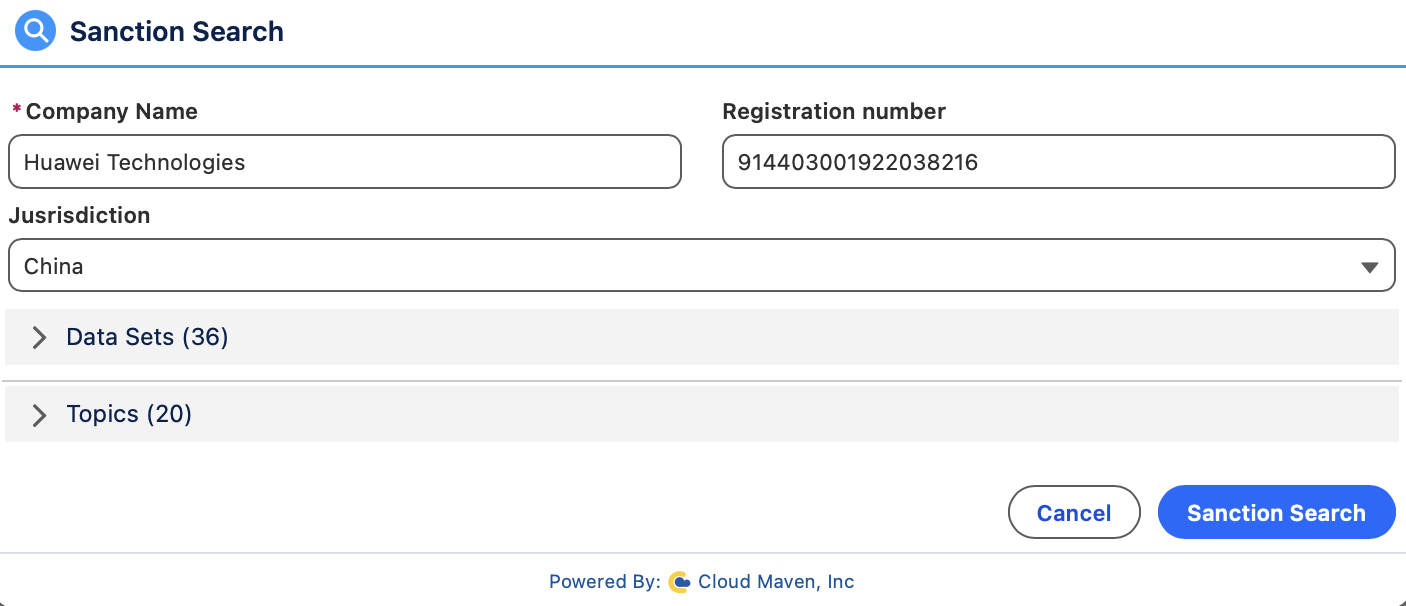
Automate AML Screening, PEP Screening, and OFAC Checks Inside Salesforce
OFAC Sanctions Checker screens records automatically when they are created or updated, when they reach an onboarding stage, or on a schedule. Scheduled rechecks screen existing customers against updated sanctions lists, while changes to customer or business records can trigger fresh checks. Batch jobs can screen thousands of records and send potential matches for review.
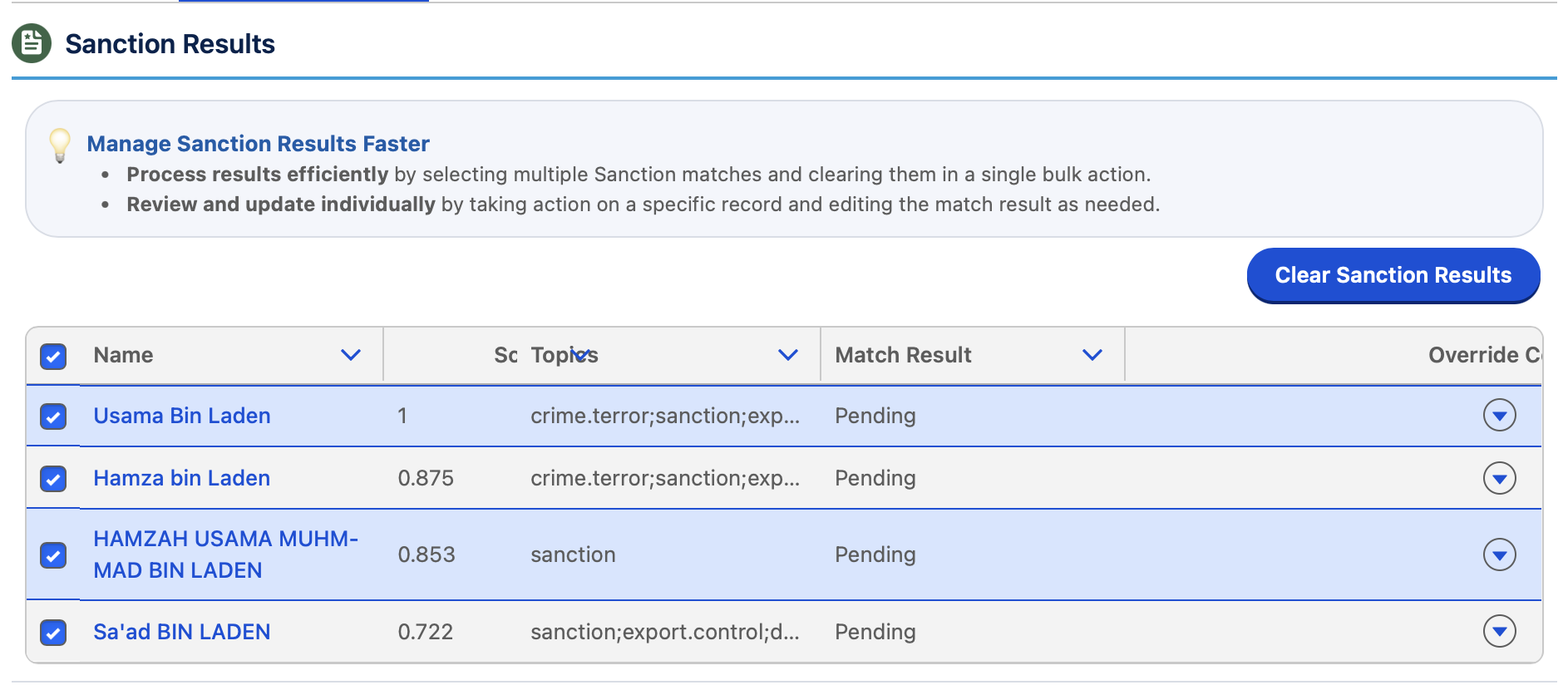
Review Potential Sanctions Matches With Fuzzy Matching
Evaluate potential OFAC and global watchlist matches using fuzzy and phonetic matching, aliases, and available profile details. Review confidence scores and match statuses to help distinguish possible sanctions risks from false positives. Fuzzy and phonetic logic catches spelling variants that exact-match searches miss.
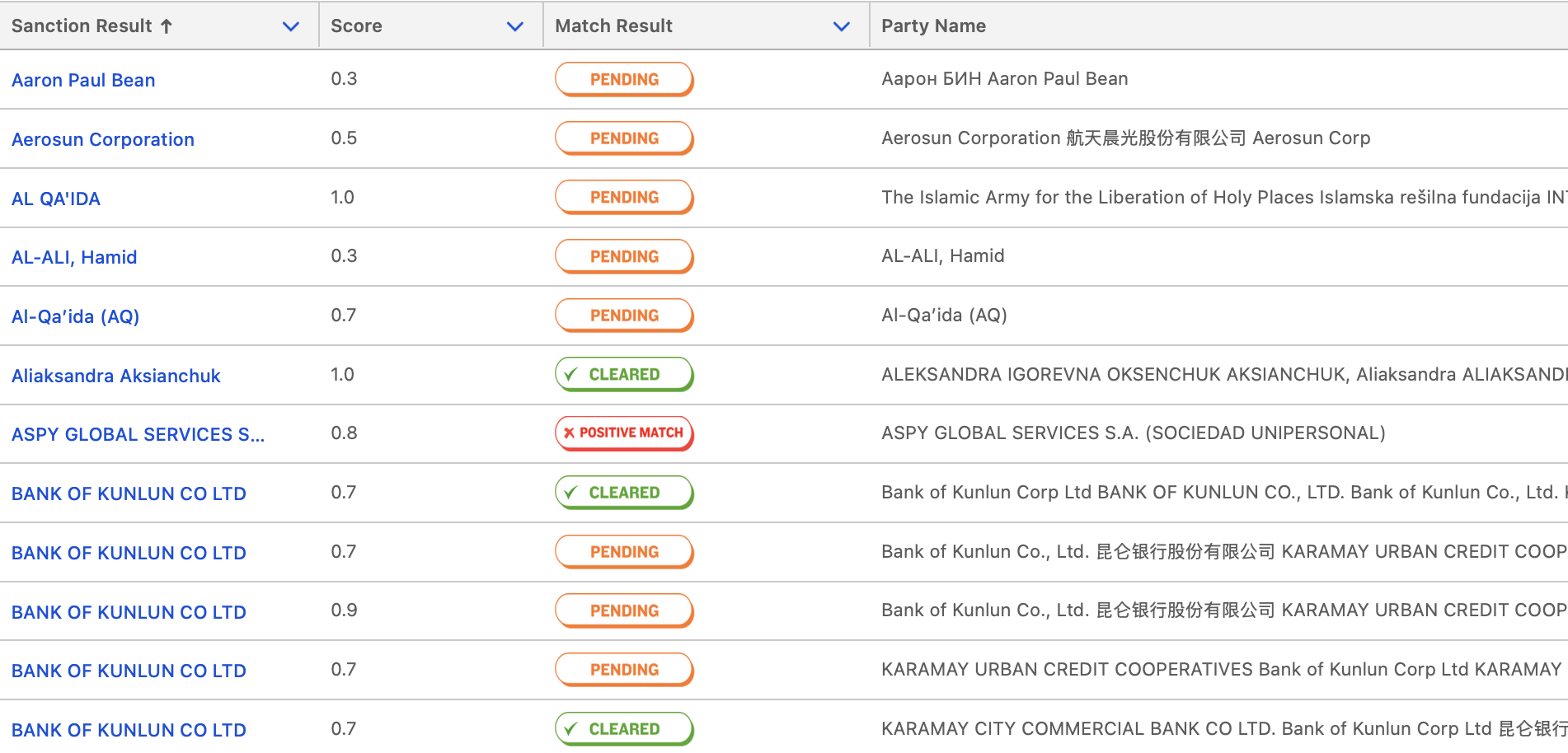
Maintain OFAC Screening Records and Audit Trails
OFAC Sanctions Checker keeps a complete history of every search, every match, every decision, fully stored inside Salesforce. Compliance teams can pull reports instantly, saving hours normally spent digging through incomplete paperwork.
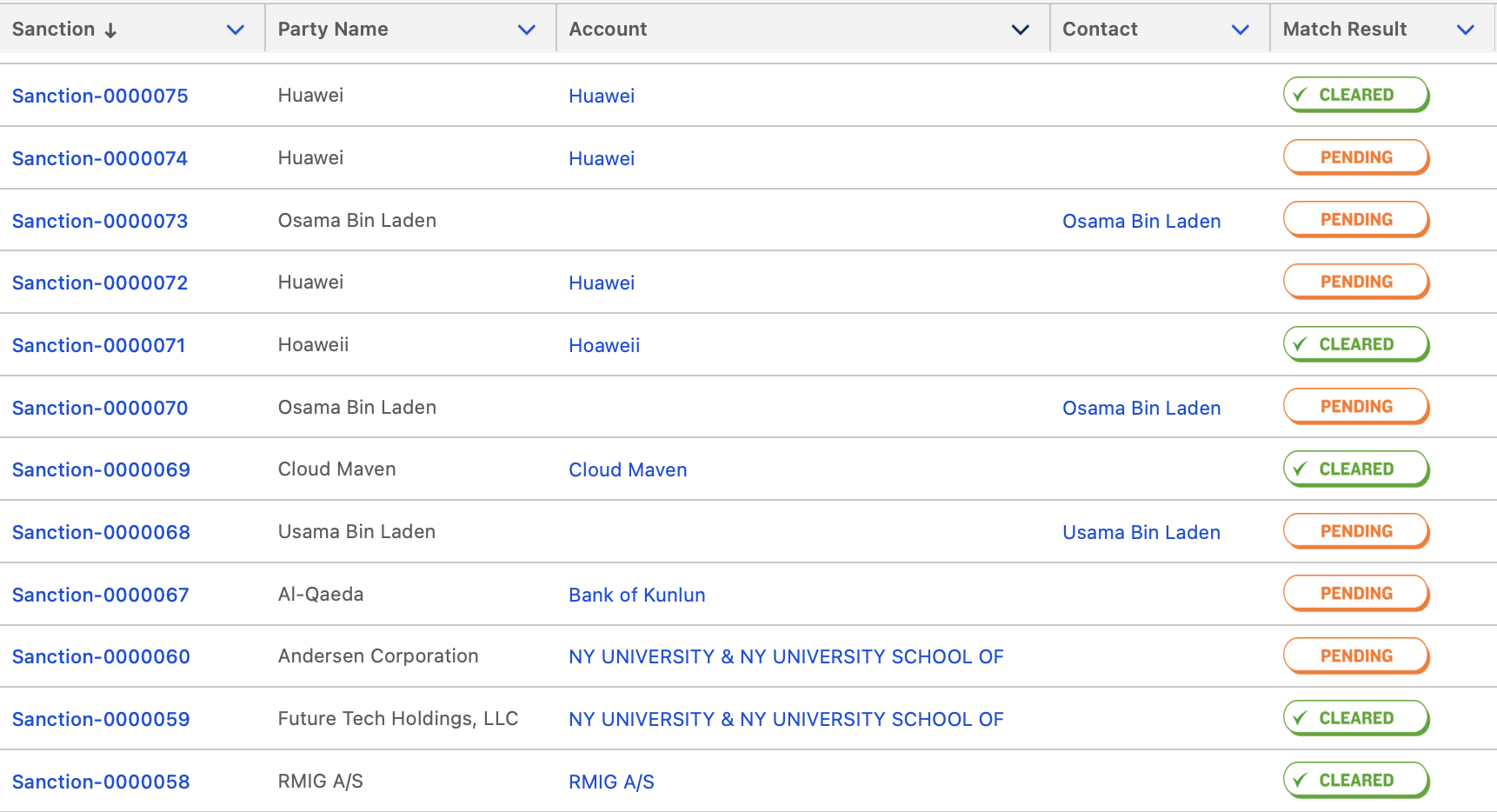
Run Salesforce Sanctions Screening Without Switching Platforms
Integrate OFAC screening software into the Salesforce records and processes your team already uses. Run OFAC and sanctions checks from record-level buttons, Flows, Apex triggers, or automated workflows across Leads, Contacts, Accounts, Loan Applications, and custom Salesforce objects without leaving Salesforce.
How OFAC Sanctions Checker Cuts Screening Time, Reduces False Positives, and Speeds Up Audit Prep
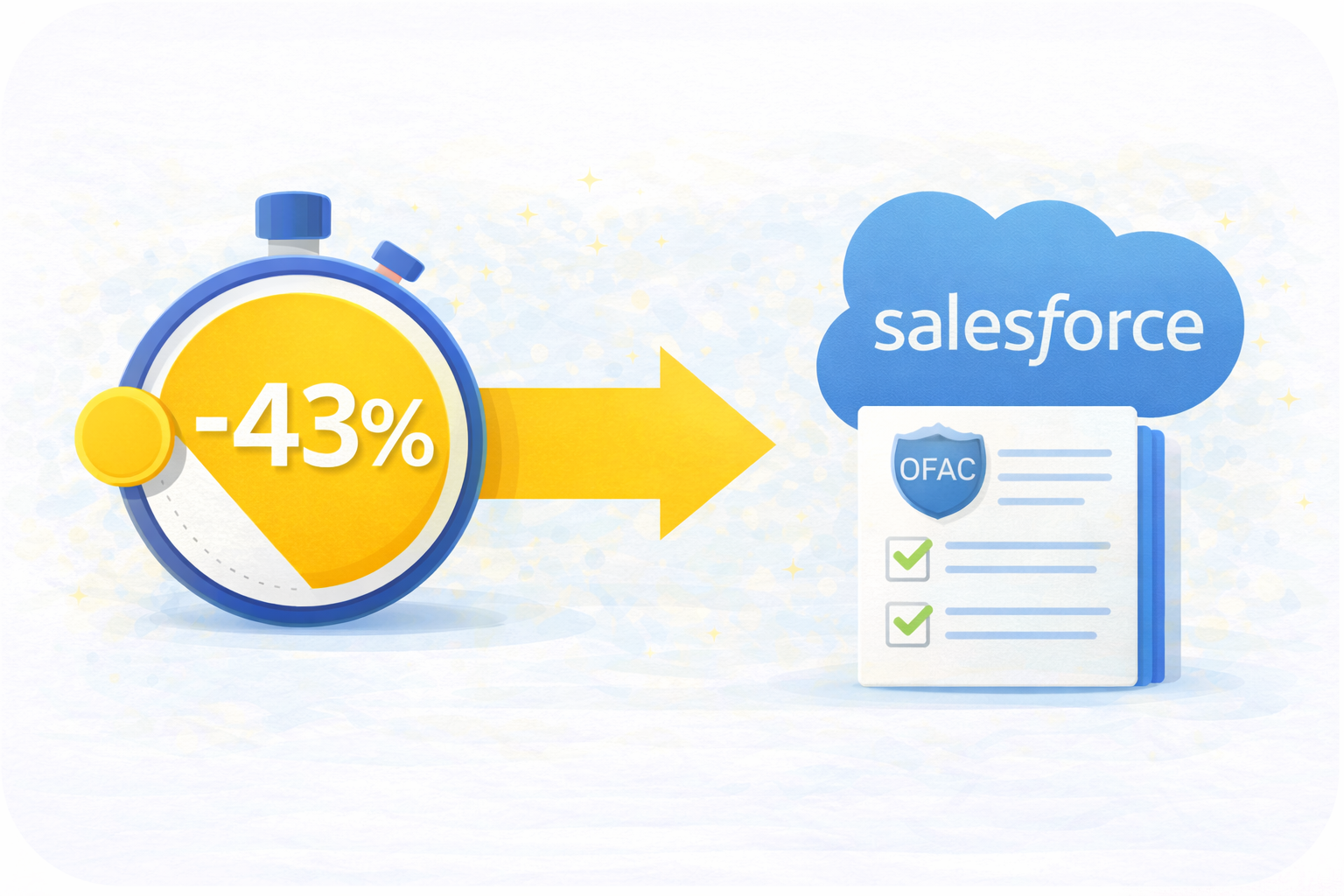
Screening Time Cut by 43%
Compared to prior manual workflows, teams reduce screening and review time, thanks to instant OFAC sanctions search results and automated decision workflows built within Salesforce.
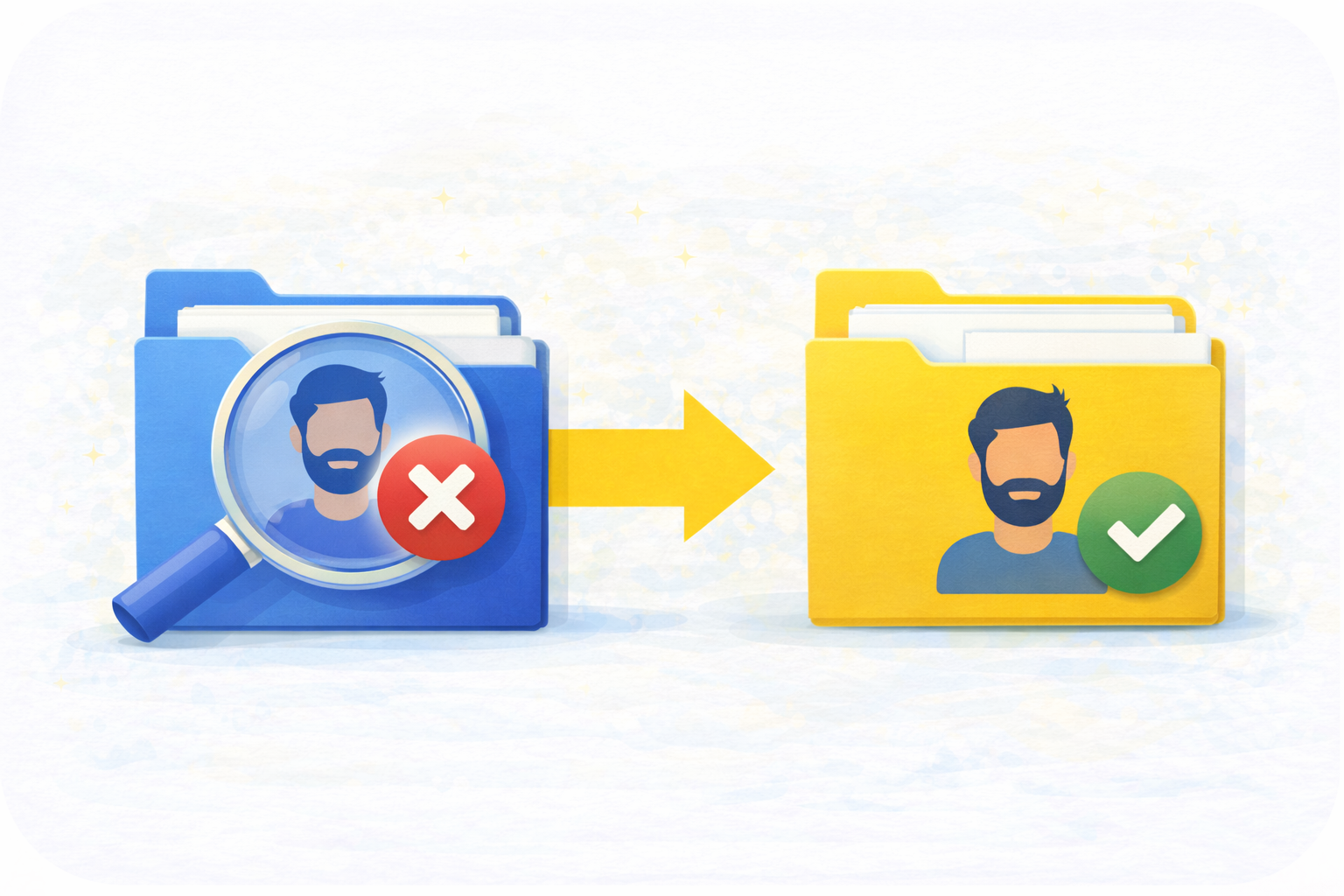
False-Positive Rechecks Drop 58%
Based on customer-reported outcomes, smart fuzzy matching and persistent “false positive” memory cut repeated reviews by 58%, helping compliance teams focus only on real risks.
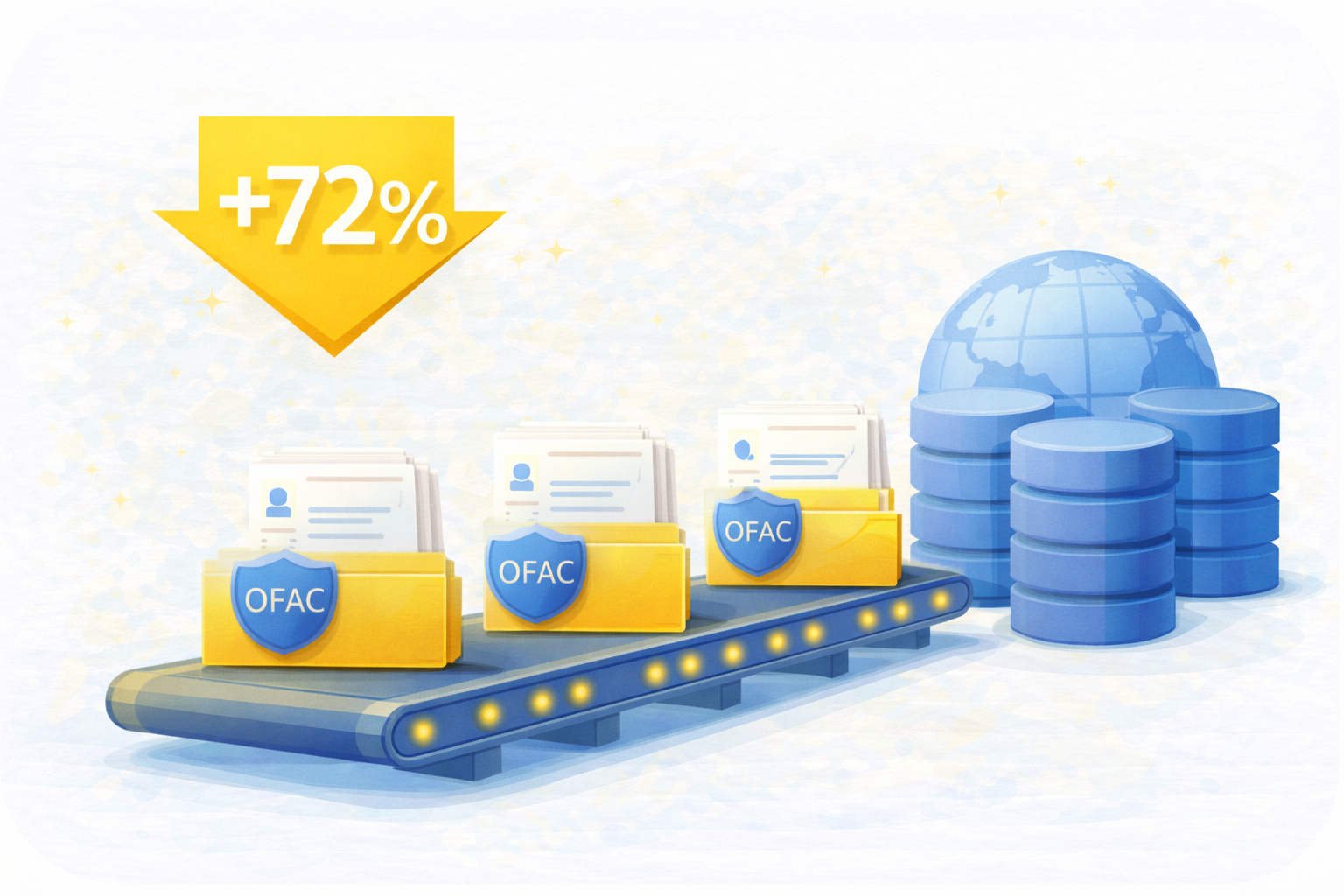
Batch Processing Efficiency Up 72%
Based on average results across our customer implementations, large-volume operations process thousands of records much faster using high-speed batch sanction check runs across 300+ global databases.
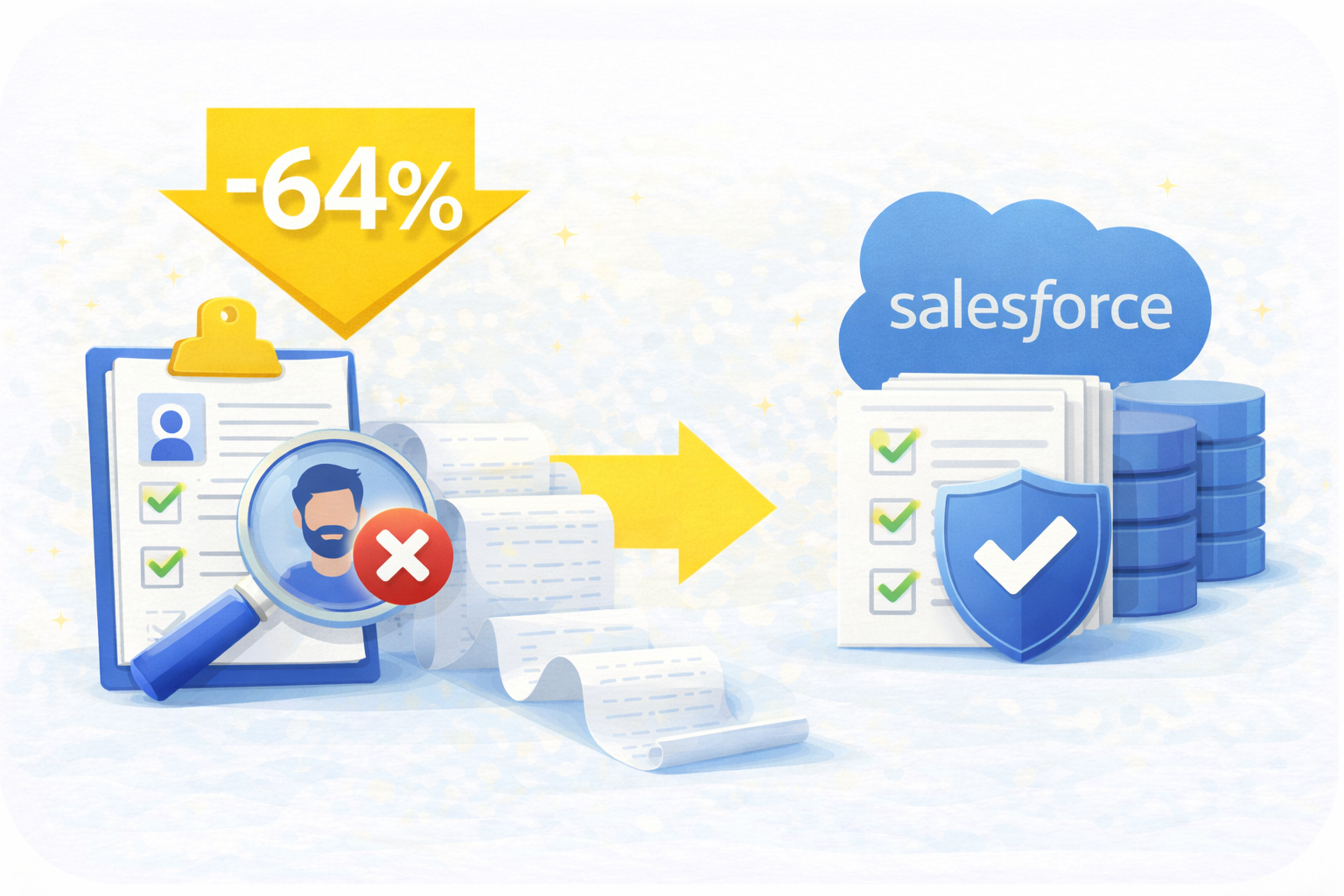
Audit Prep Time Reduced by 64%
Based on customer data across OFAC Sanctions Checker deployments, automated logs, attached results, and Salesforce-native audit trails eliminate manual tracking, shrinking audit preparation time.
Why Teams Choose Cloud Maven, Inc for OFAC Compliance and Screening

Screen Customers and Businesses
Use OFAC screening during customer identity checks (KYC) and business verification (KYB). Screen borrowers, vendors, partners, and related parties in Salesforce, and review possible matches before moving forward.

Review Thousands of Records Without Slowing Down
High-speed batch jobs make it easy to process large data sets, delivering fast sanction check results even for heavy compliance operations running daily or weekly.

Data Security and Compliance
Built 100% native to Salesforce, every sanctions screening and OFAC search stays secure and compliant with GDPR, SOC2, and HIPAA; no external storage or risky data movement.

Designed for Teams With No Technical Overhead
Admins can configure thresholds, workflows, and alerts without coding. Your compliance team gets powerful sanctions checking software without needing engineers on standby.

Integration Ready for Any Workflow
Easily extend your sanctions checking software into AML, KYC, ERP, or banking systems using flexible APIs, without rebuilding workflows or changing how your team works.

Review Matches and Manage Compliance Cases
Review potential sanctions matches in Salesforce, check match details, clear false positives, and record decisions. Cases that need more attention are sent to compliance team, with notes and screening history saved for future reviews.


Frequently Asked Questions
Which sanctions databases are included?
OFAC Sanctions Checker screens individuals and entities against global databases including OFAC, UN Consolidated List, EU list and UK HM Treasury list, as well as 200+ regional sources and custom internal watchlists. This provides end-to-end sanctions screening coverage and full visibility into global compliance risks, all in Salesforce.
These lists are maintained by different authorities and may apply different restrictions. Your team can review which list a potential match comes from before deciding what action to take.
How quickly can sanctions screening be completed?
OFAC Sanctions Checker can run screening automatically when a Salesforce record is created or updated, with results returned from the connected screening provider. Bulk checks can also run on a schedule. Processing times depend on the number of records and the provider's response time.
Is the screening compliant with regulations?
Yes, OFAC Sanctions Checker helps organizations meet OFAC and other sanctions screening requirements through automated checks, detailed match results, and audit trails in Salesforce. It supports compliance reviews and recordkeeping, while organizations remain responsible for following the regulations that apply to their business.
Does it work with existing Salesforce workflows?
Yes, Sanction and OFAC Checker integrates directly with Salesforce Flows, Validation Rules and Approvals to enable automated sanctions screening and route high-risk matches to compliance queues. Admins can set up risk thresholds and triggers without needing to write code to enable seamless compliance within normal CRM processes.
Does OFAC Sanctions Checker support bulk screening?
Yes, our OFAC screening software supports batch sanctions screening for large Salesforce datasets, including onboarding and periodic review use cases. Processing times depend on screening volume and configuration.
How much does OFAC Sanctions Checker cost?
OFAC Sanctions Checker starts at $200 per company per month, including unlimited user licenses and ongoing support.
Additional transaction-based fees apply for sanctions and OFAC searches, with volume discounts available. Contact Cloud Maven, Inc. for detailed pricing.
What happens when a potential sanctions match is found?
The solution provides available match details, confidence scores, and review statuses. Compliance teams can investigate potential matches, document decisions, and maintain screening history in Salesforce. A potential match requires appropriate review before a final compliance determination.
Can I use OFAC screening during KYC and KYB checks?
Yes. OFAC Sanctions Checker can screen individuals and businesses during customer onboarding, loan applications, and vendor verification. Checks can run automatically when Salesforce records are created or updated, helping teams identify potential sanctions risks before moving forward.
Can existing customers be screened again automatically?
Yes. You can schedule daily, weekly, or monthly sanctions checks for existing Salesforce records. This helps identify new potential matches as sanctions lists change. Updates to customer or business records can also trigger fresh checks, with results and review history available in Salesforce.
Does OFAC Sanctions Checker support PEP and adverse media screening?
Yes. Our solution supports politically exposed person (PEP) screening and adverse media checks through available data sources. PEP screening identifies people in prominent public roles, while adverse media screening finds potentially concerning news about individuals or businesses. Neither automatically means someone is on a sanctions list. Available coverage depends on the connected screening provider.
Learn. Build. Grow.
August 24, 2026
August 17, 2026
August 10, 2026